

Easy to install & moveable
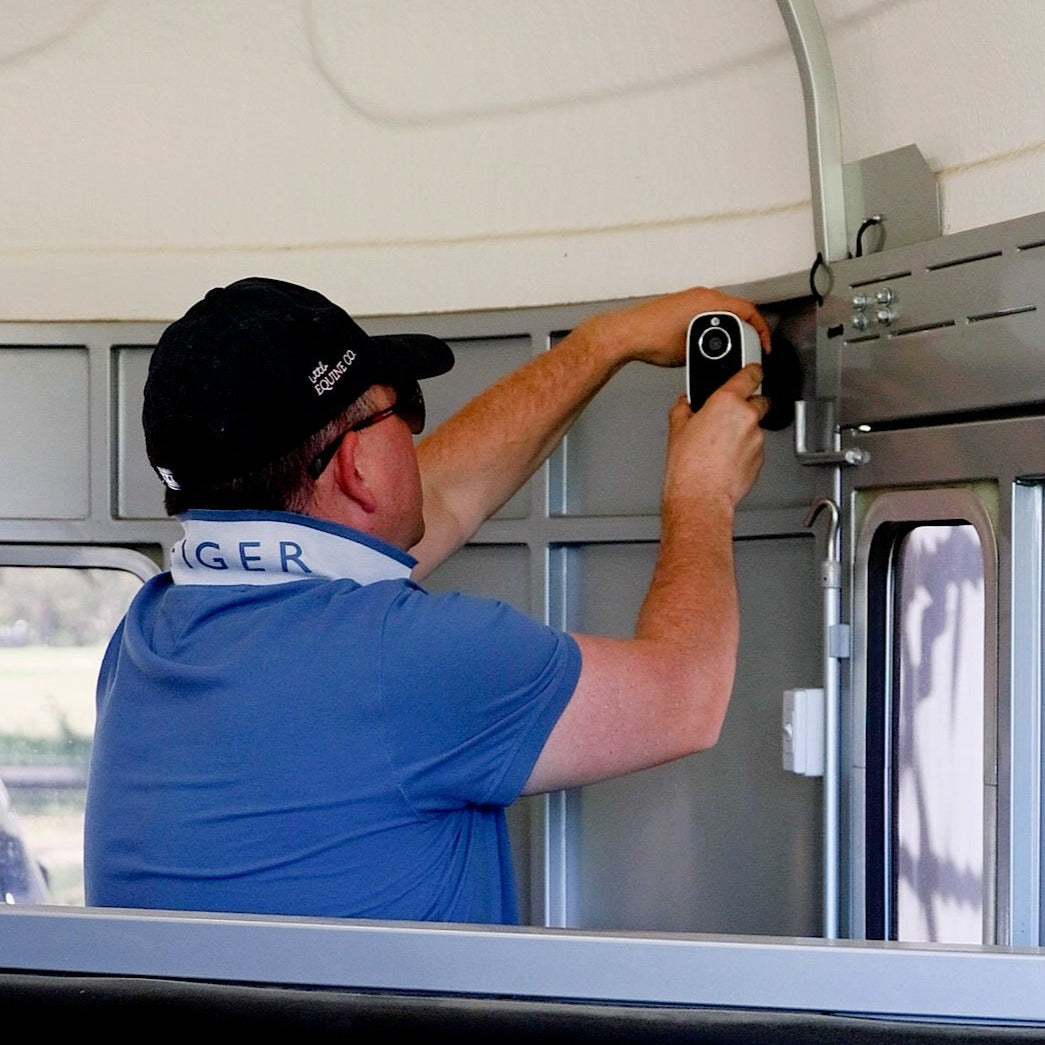
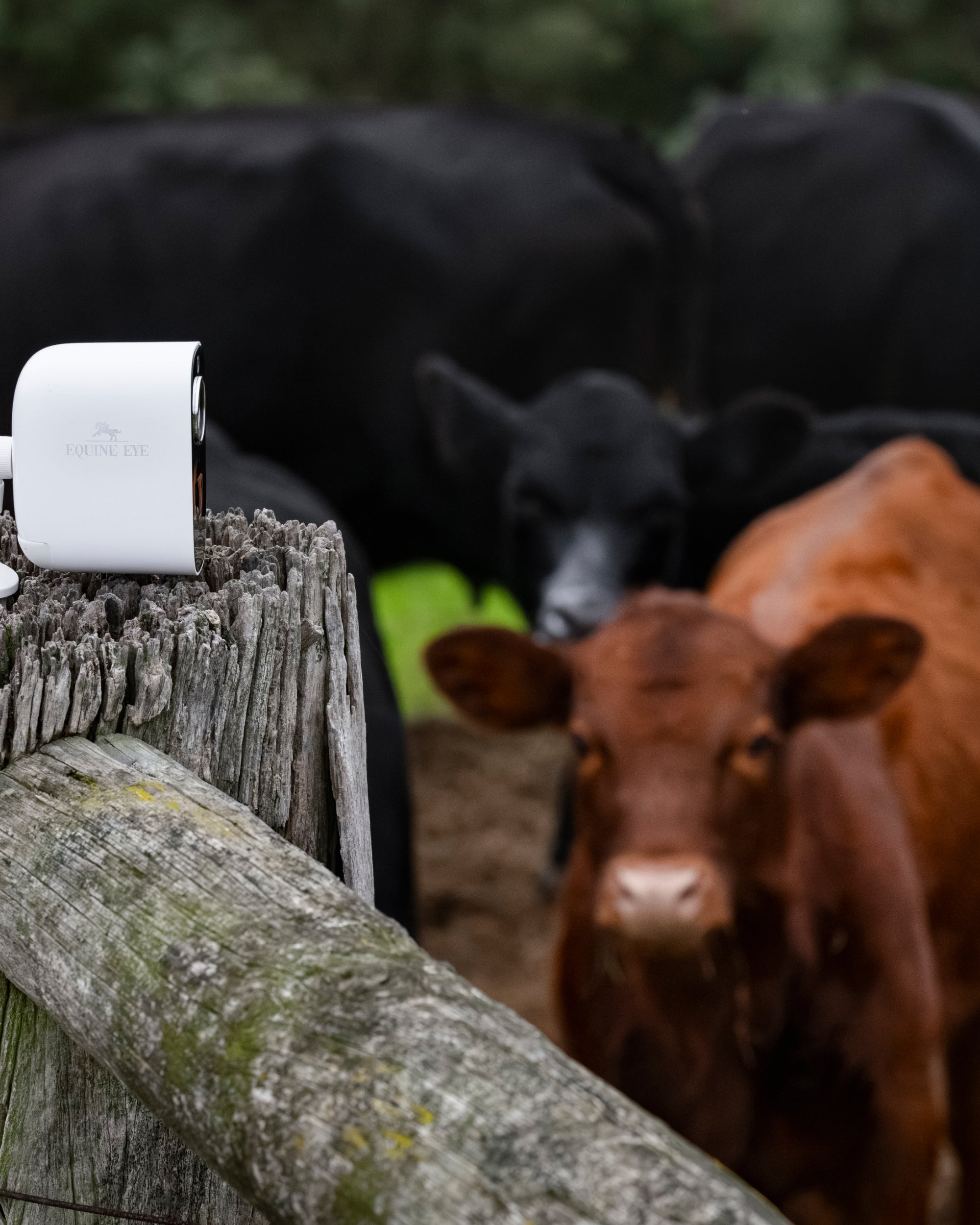
"I really love my Equine Eye Vision Camara! It was SO easy to install (and I'm not good with technology) and my favorit part is that I can move it around! From foaling barn, to horse shows, and even to the paddock!"

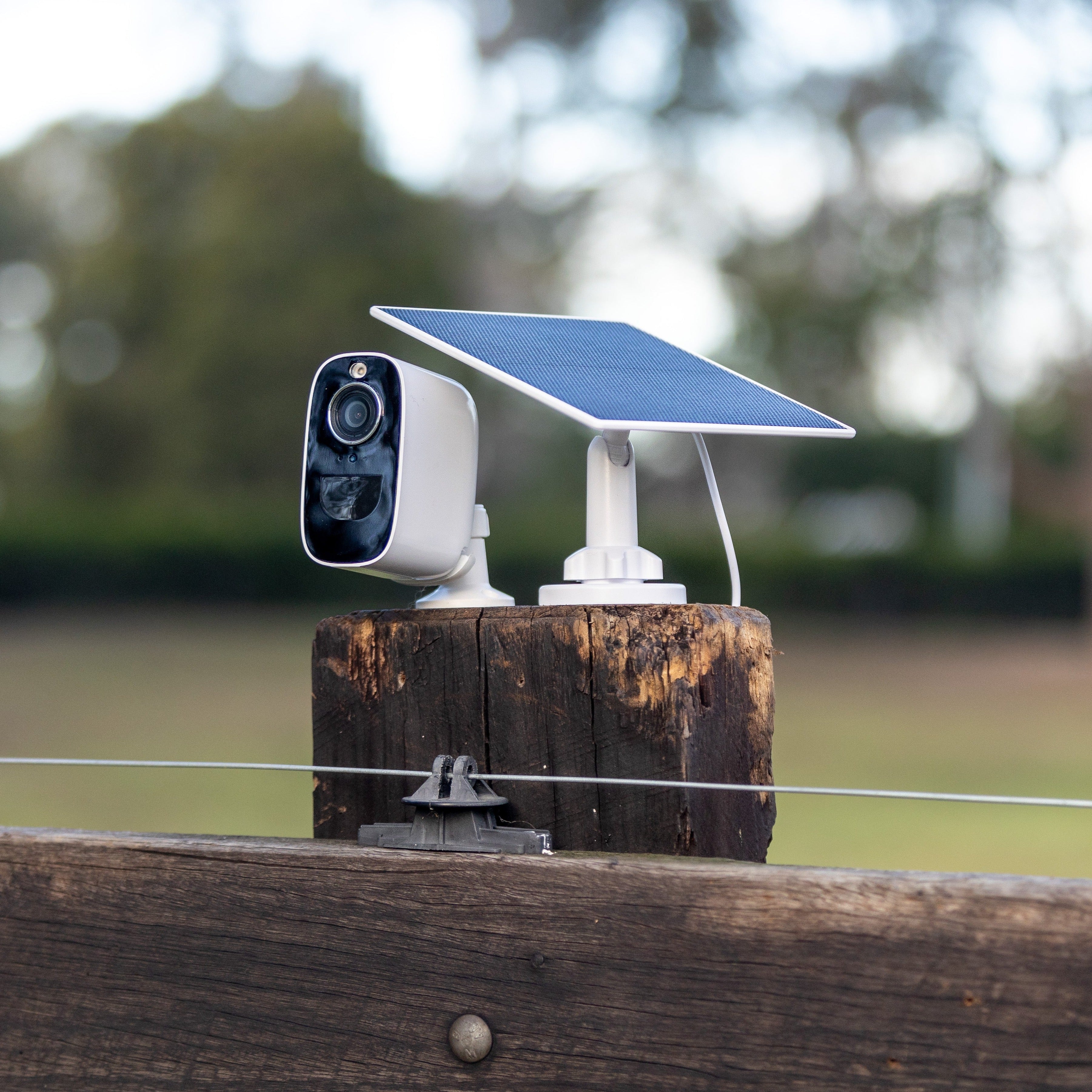
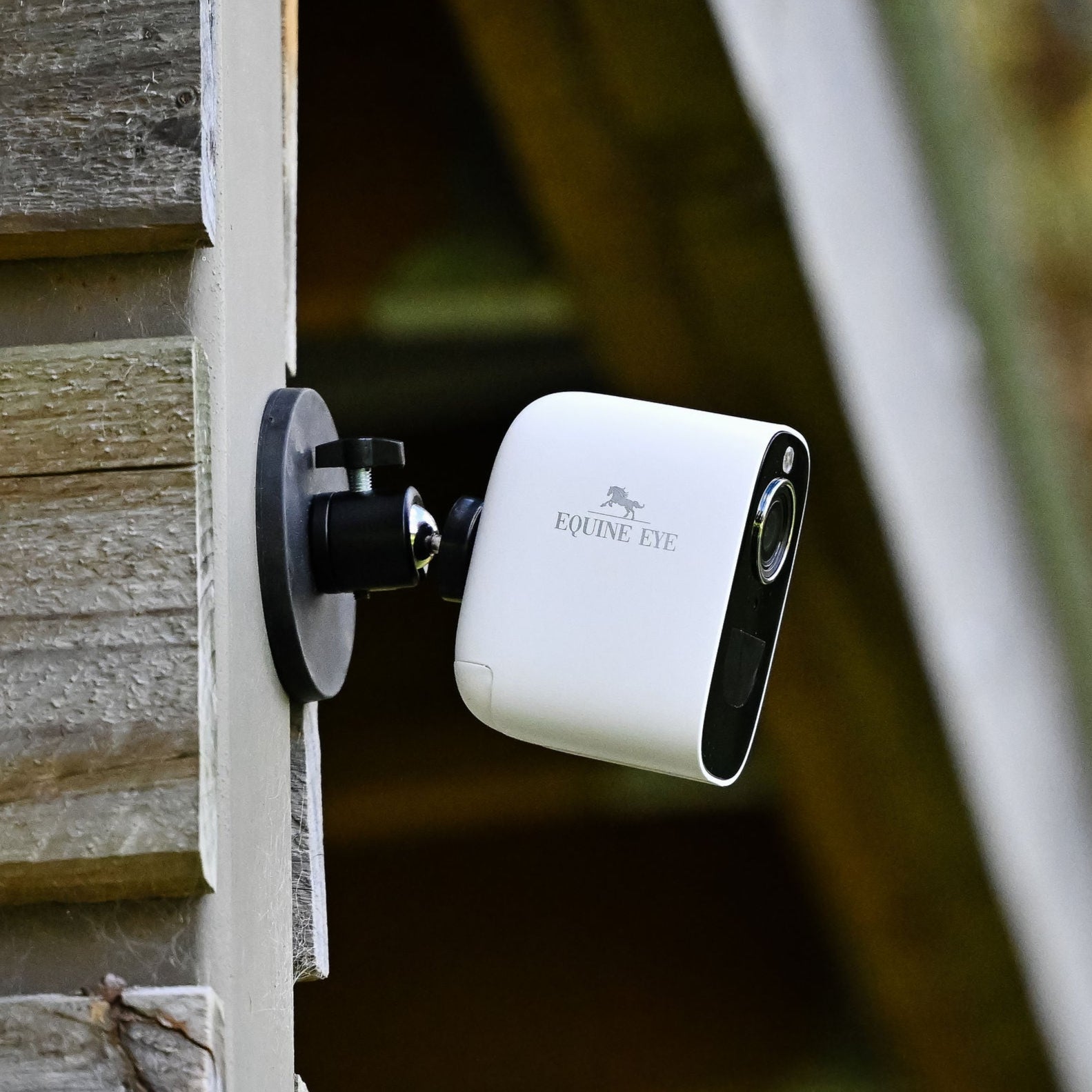
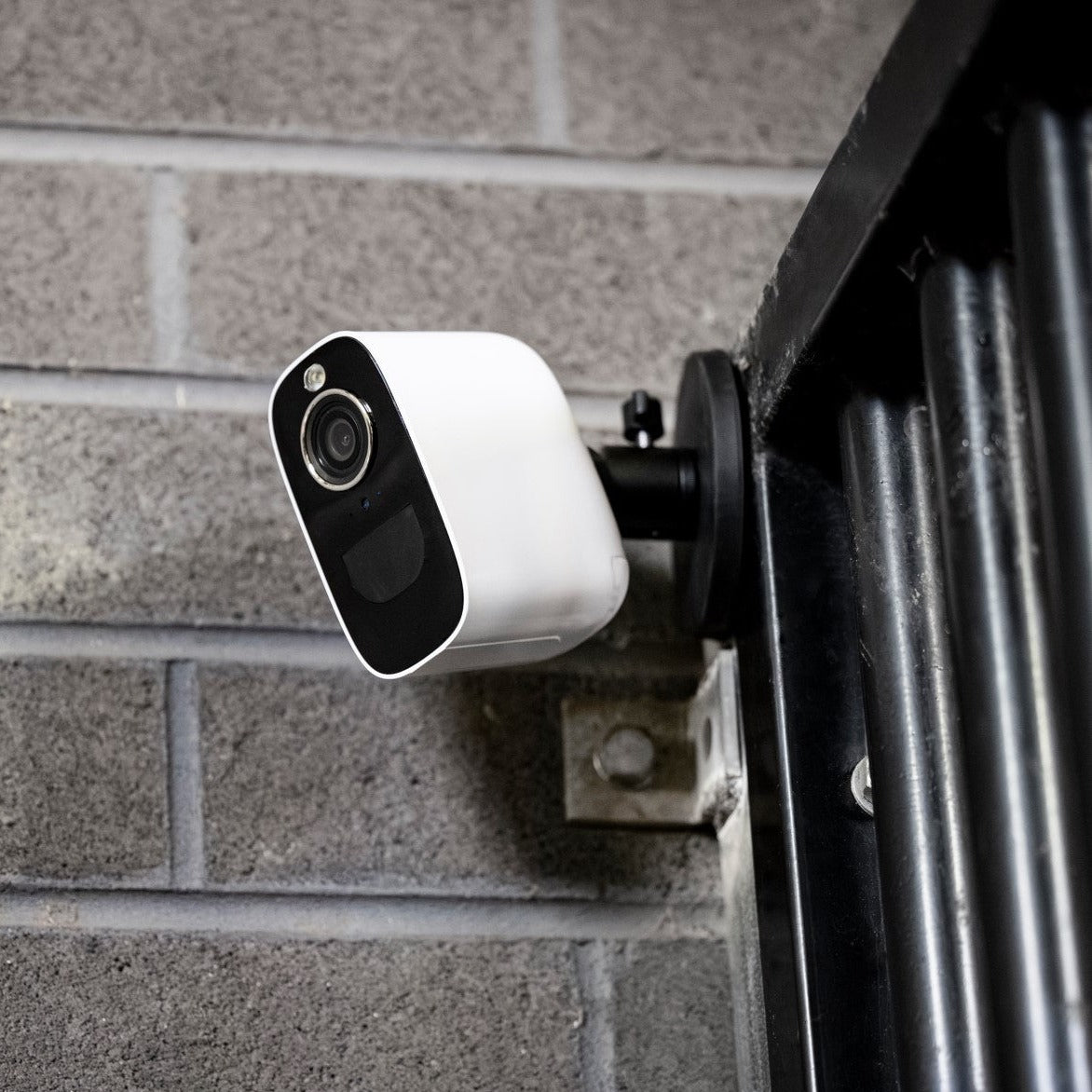
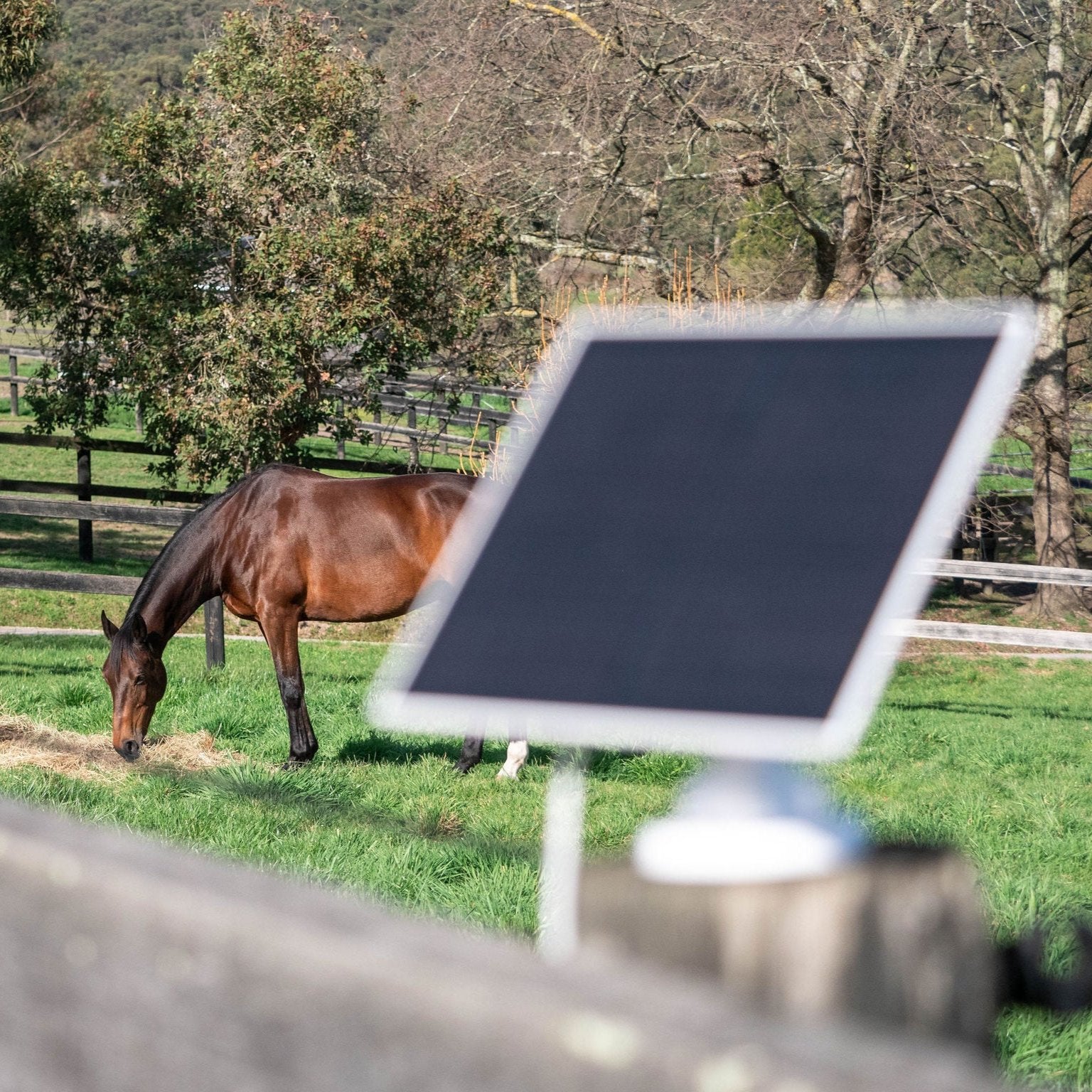
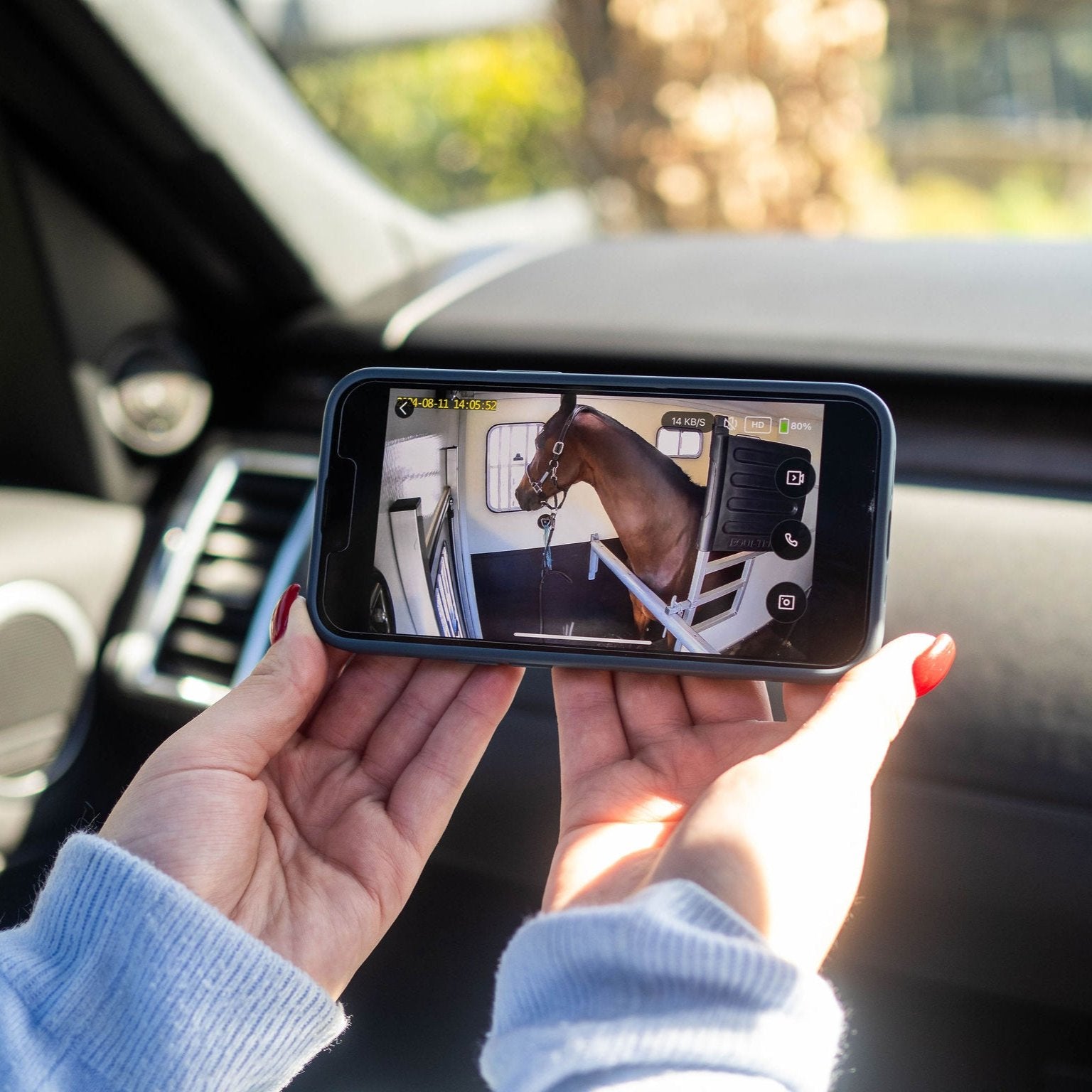
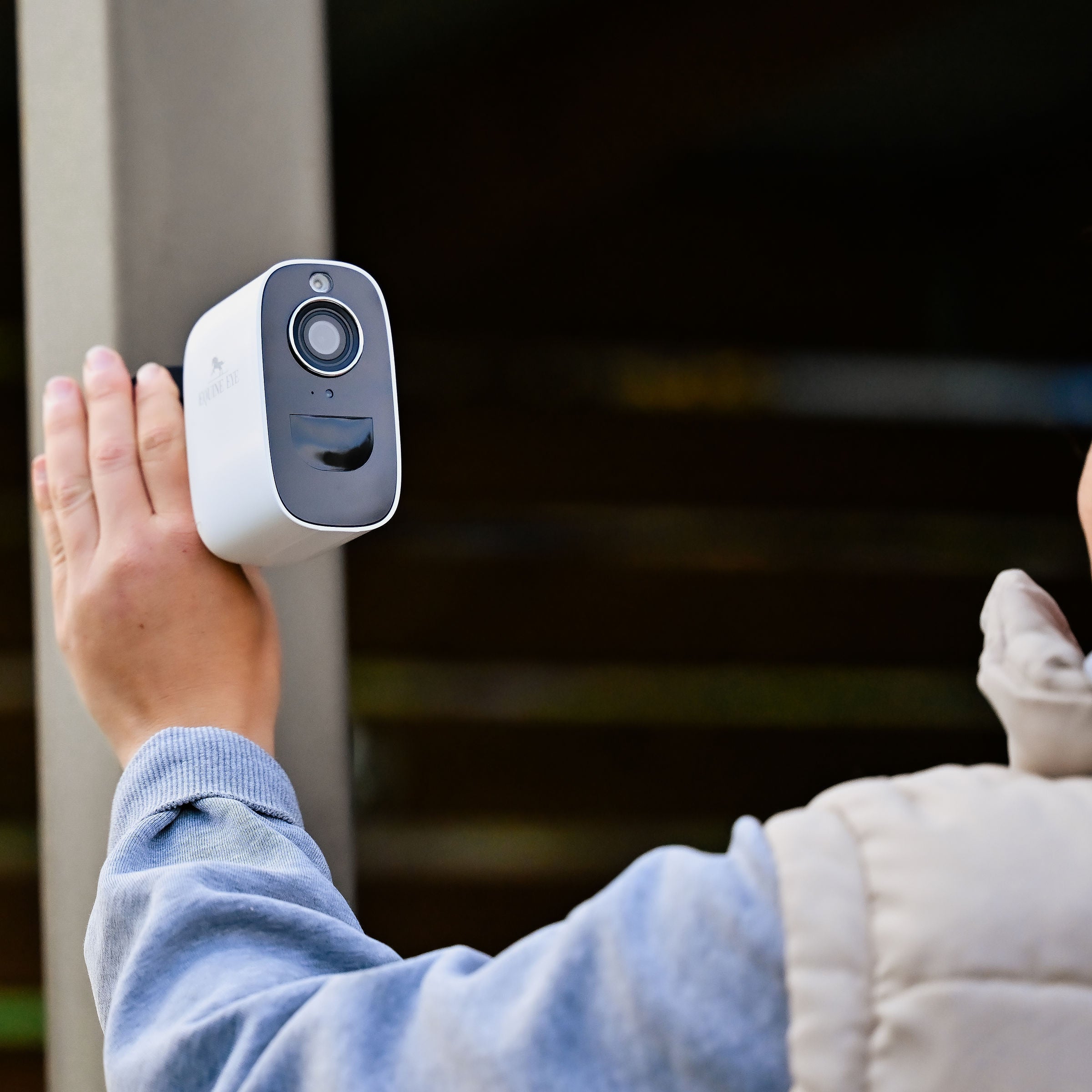
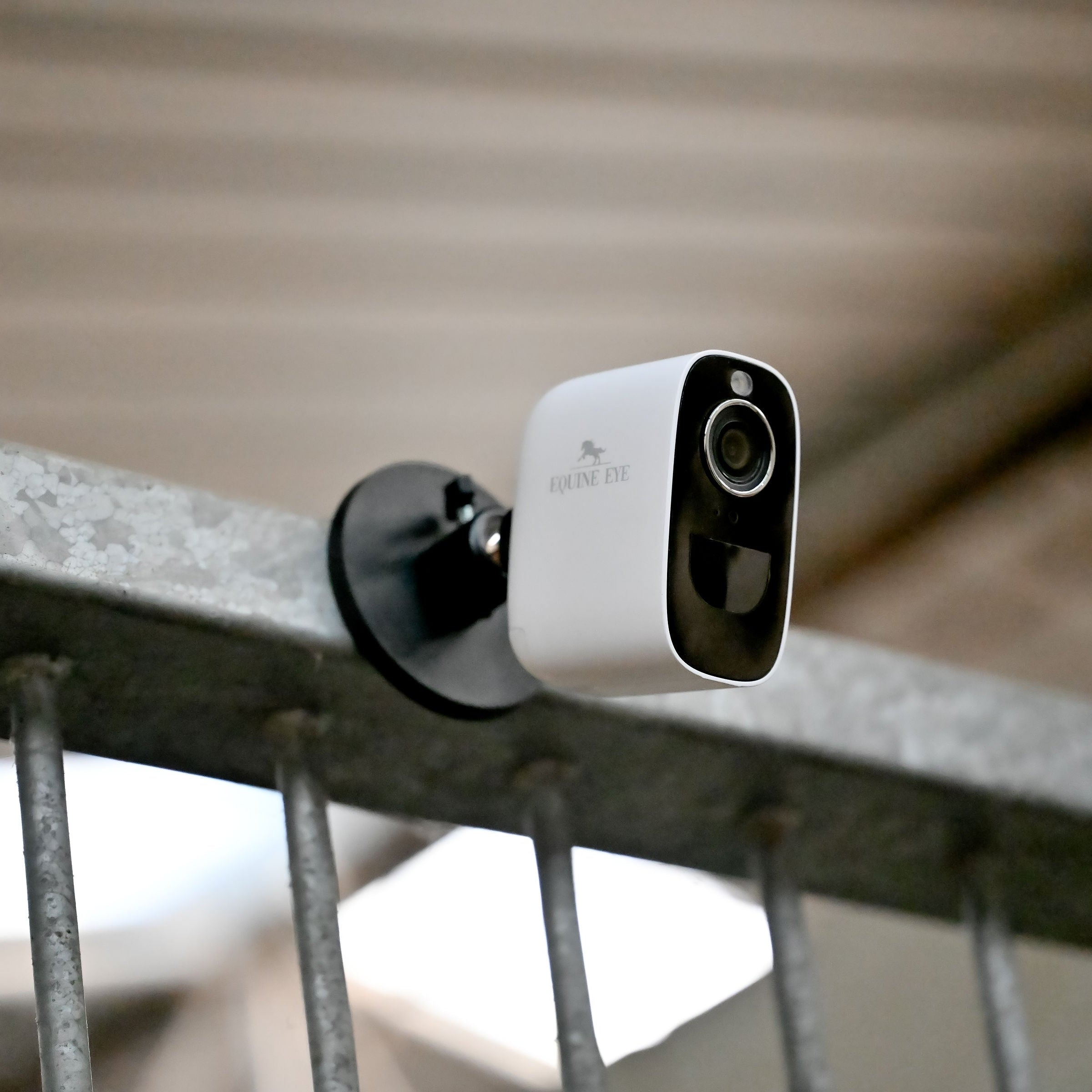
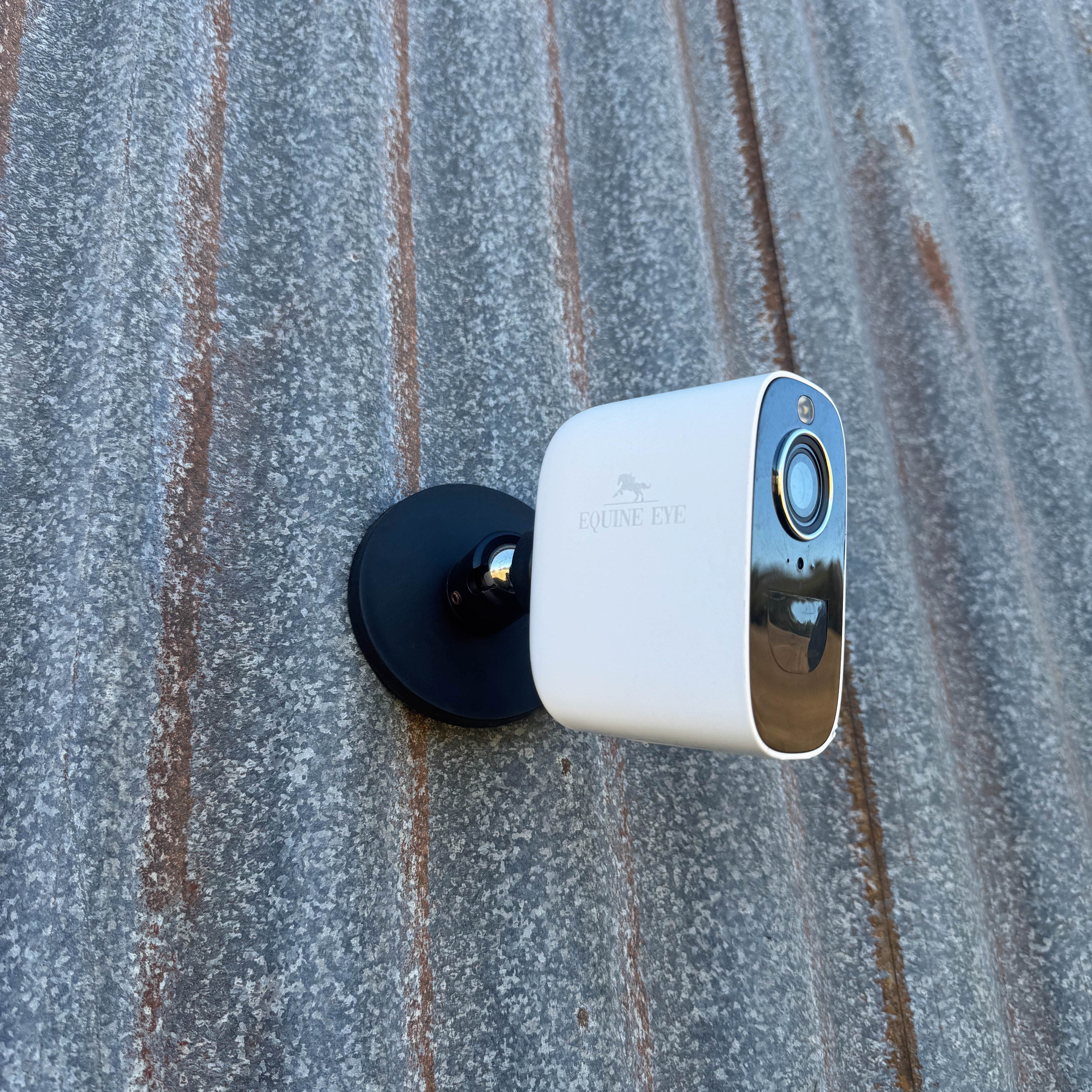
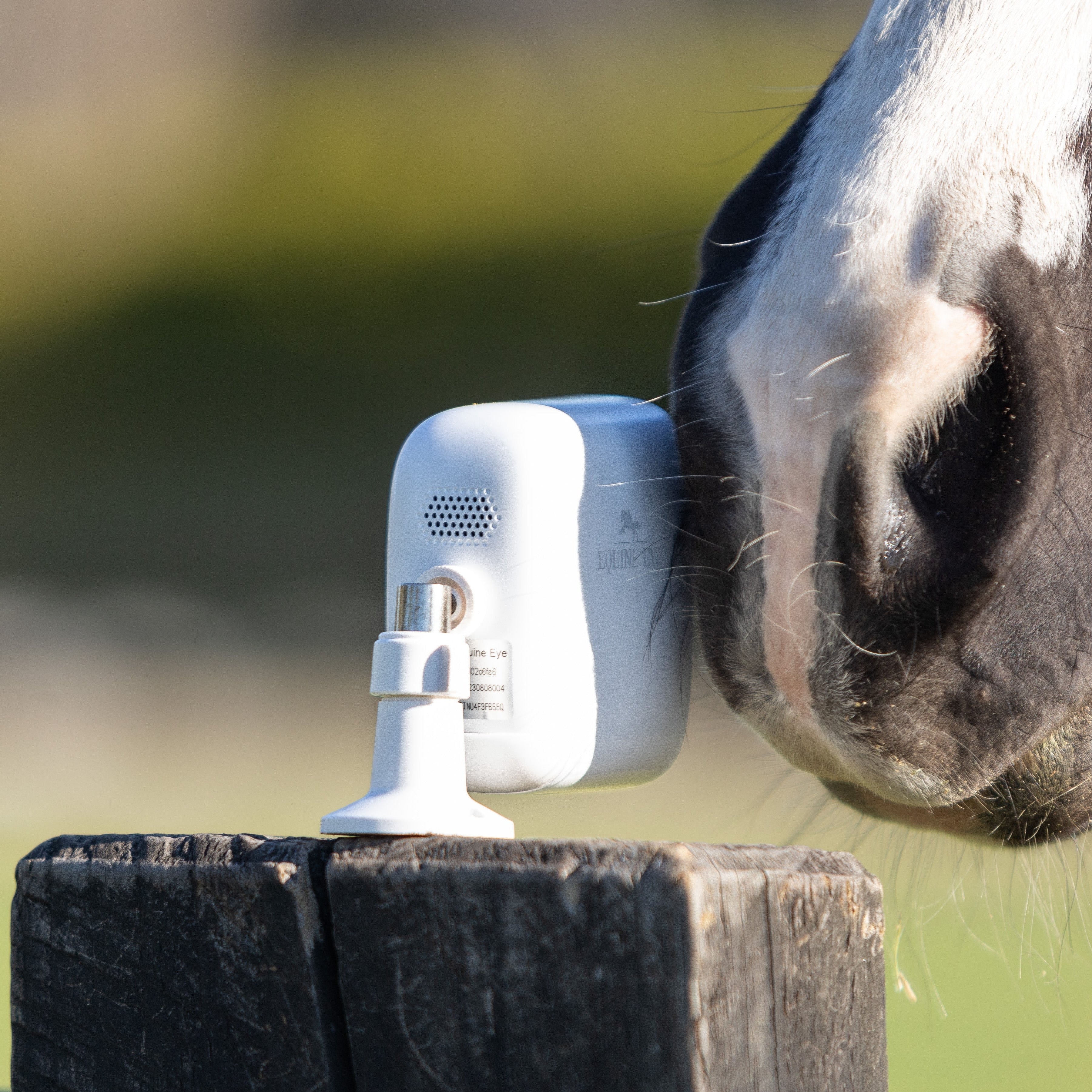

No wires, power or WIFI needed. Works “off grid”

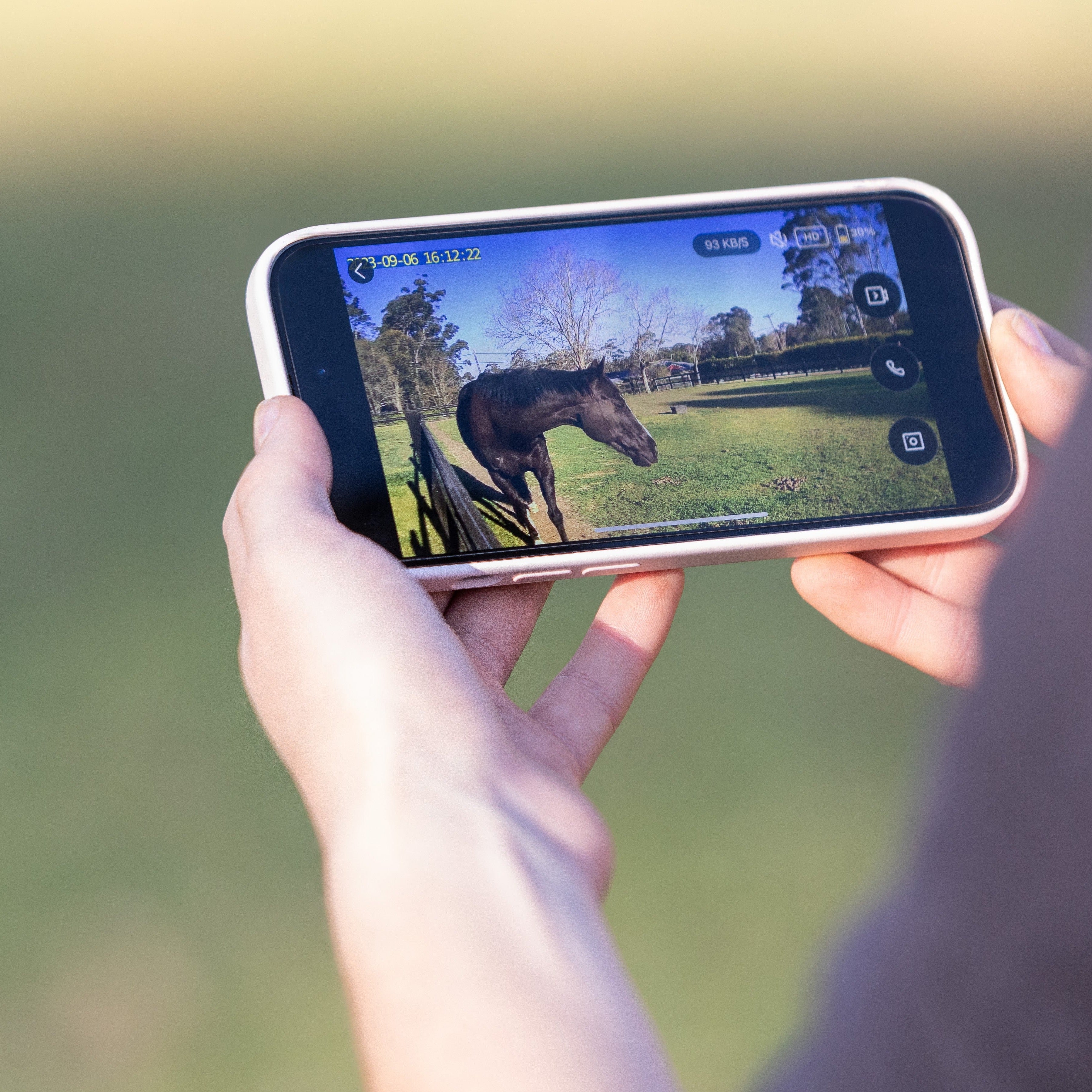
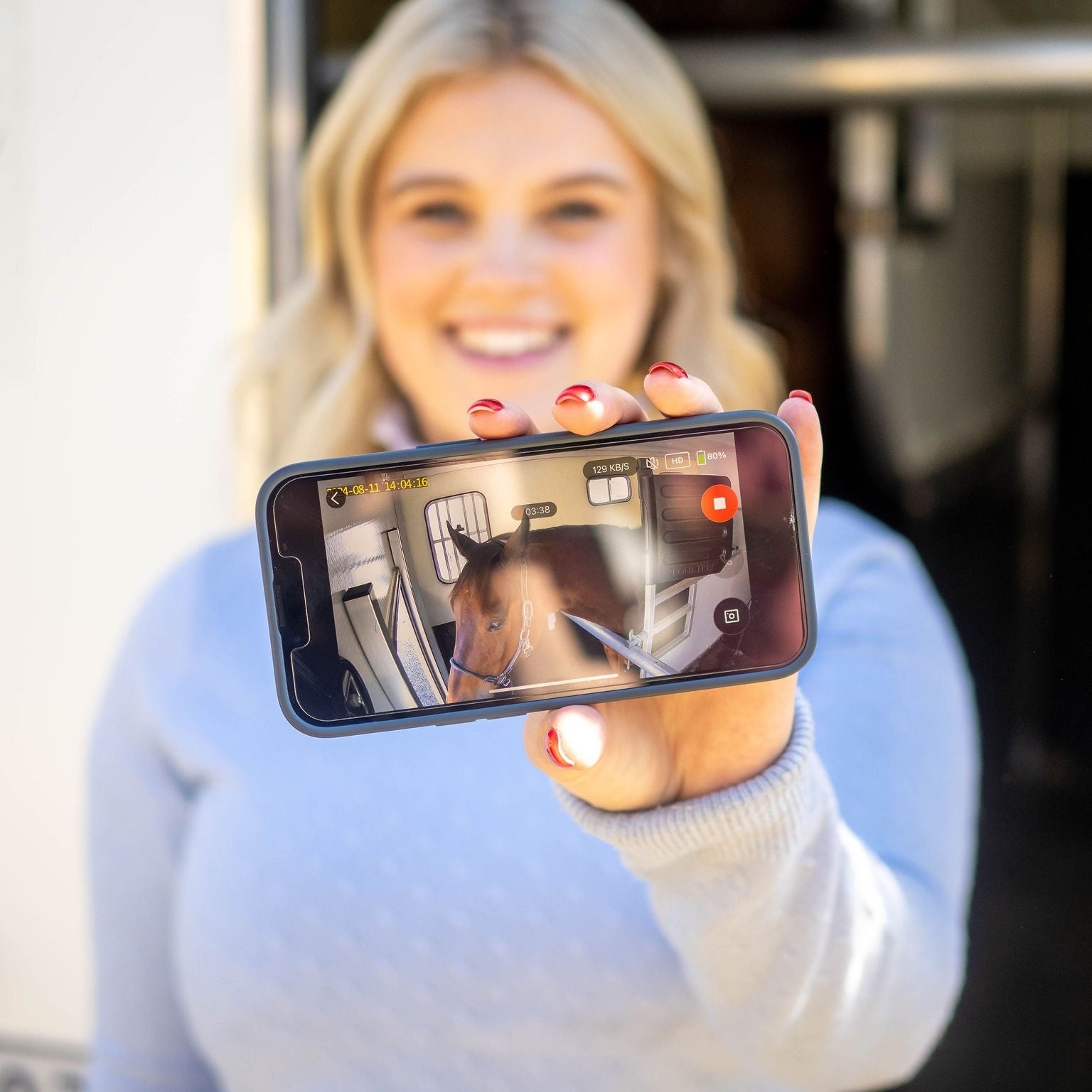
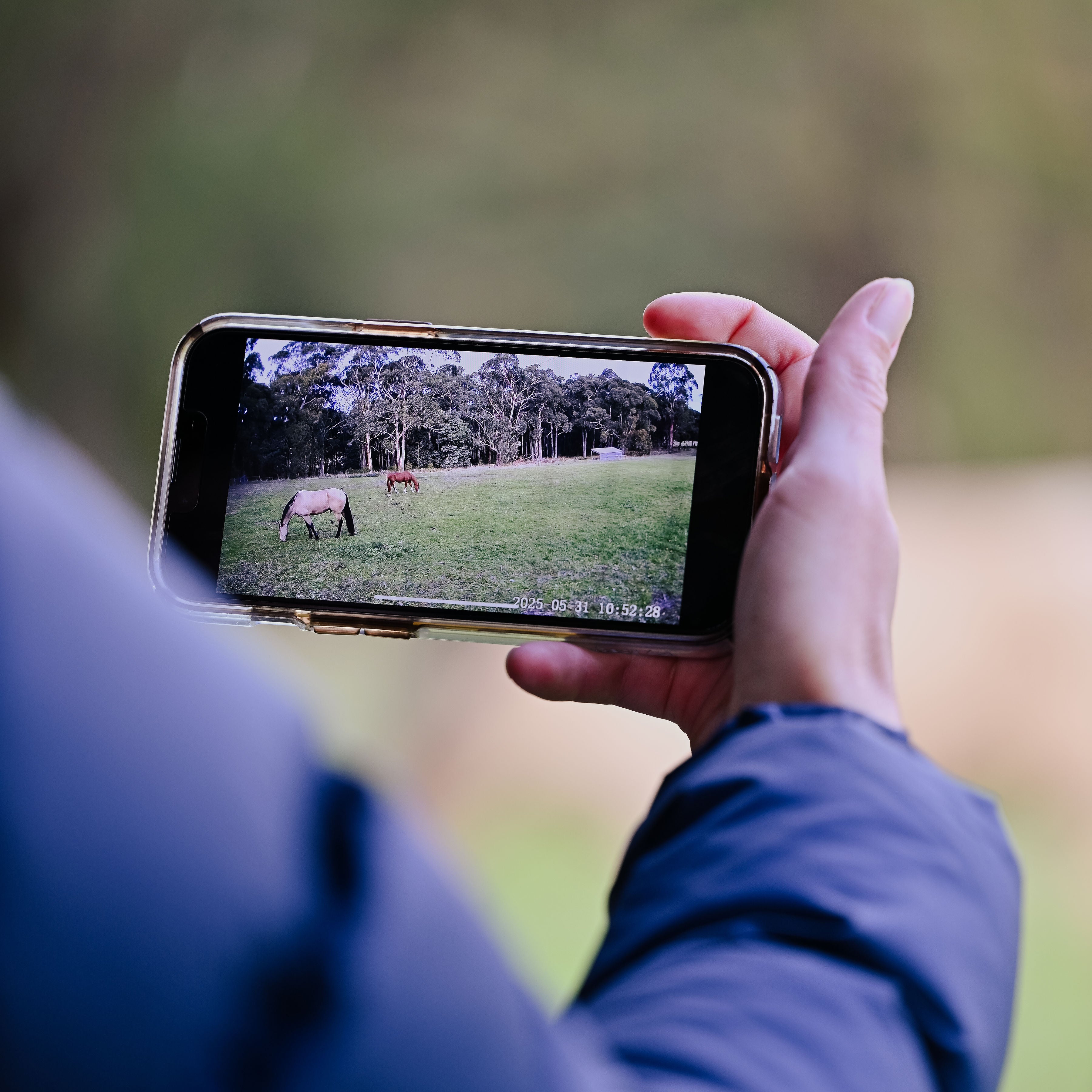
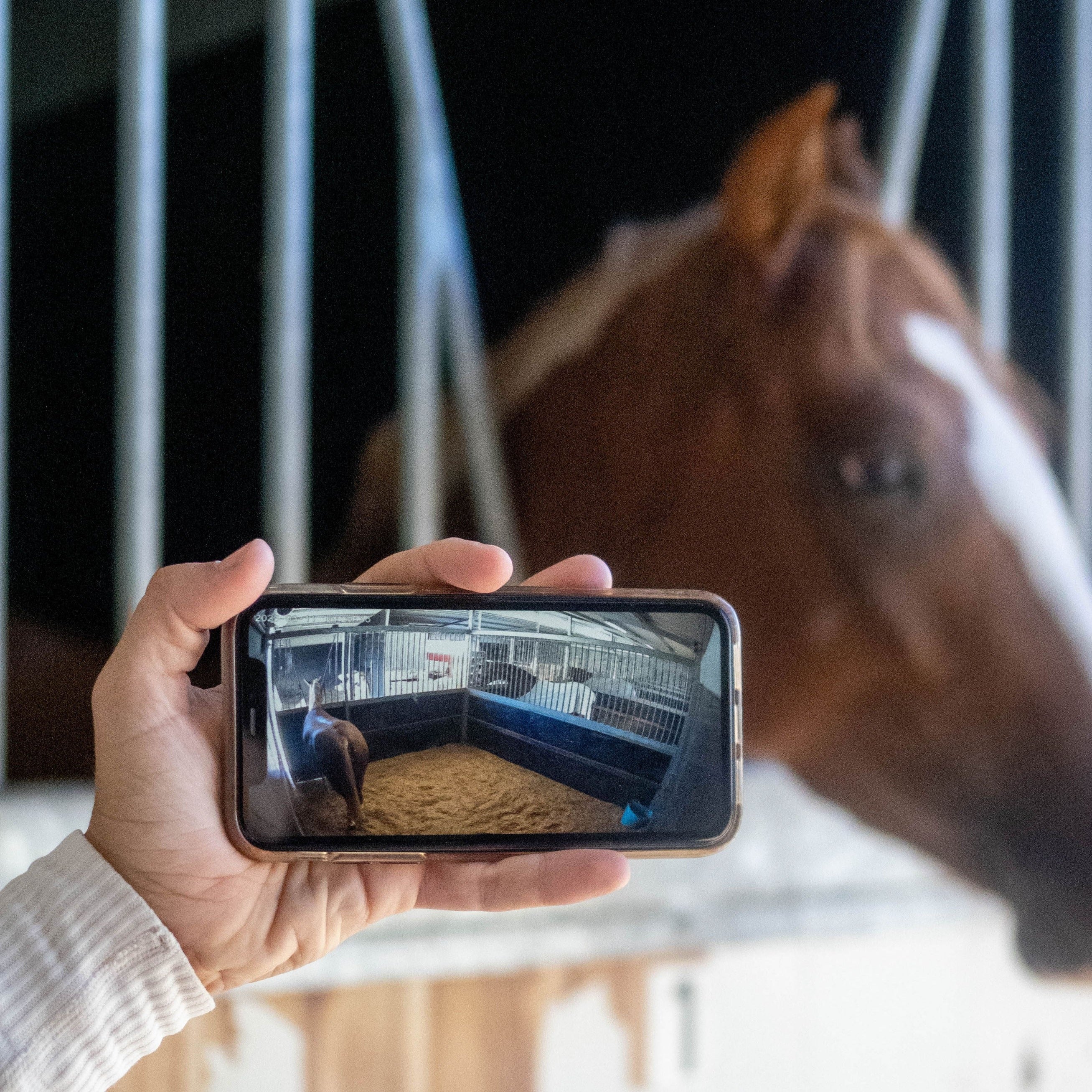
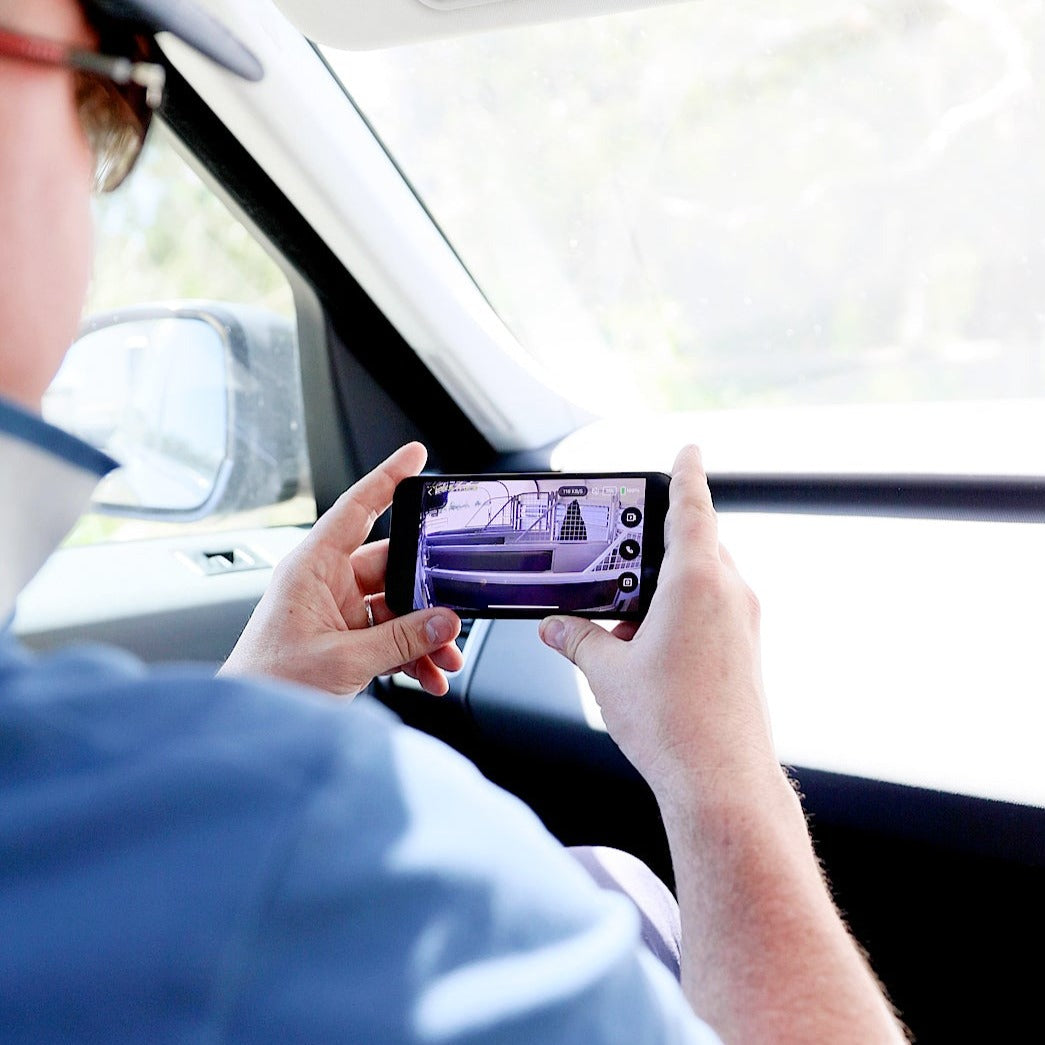
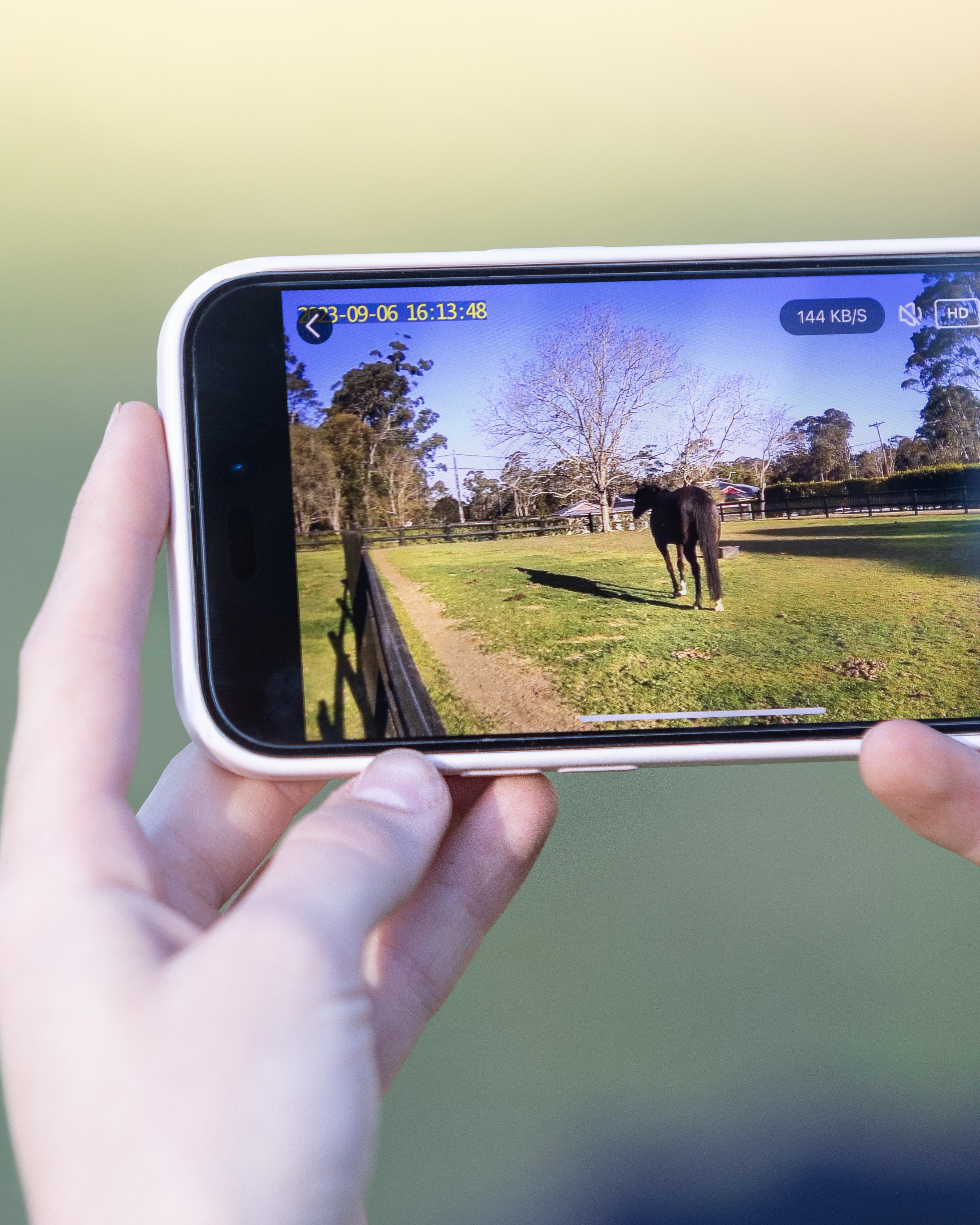
Live video to your phone (iphone or android) with no distance limitations

Superior night vision & audio

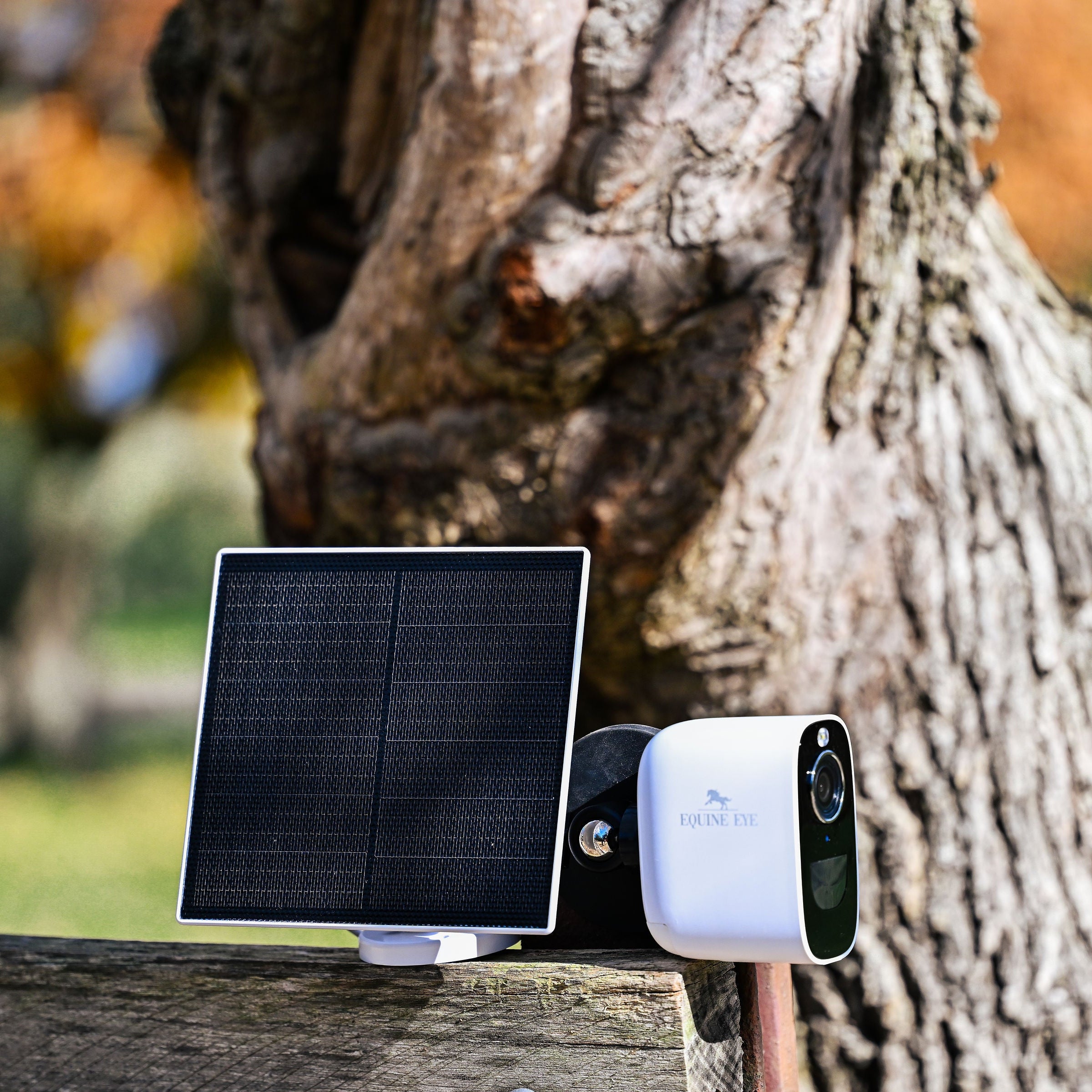
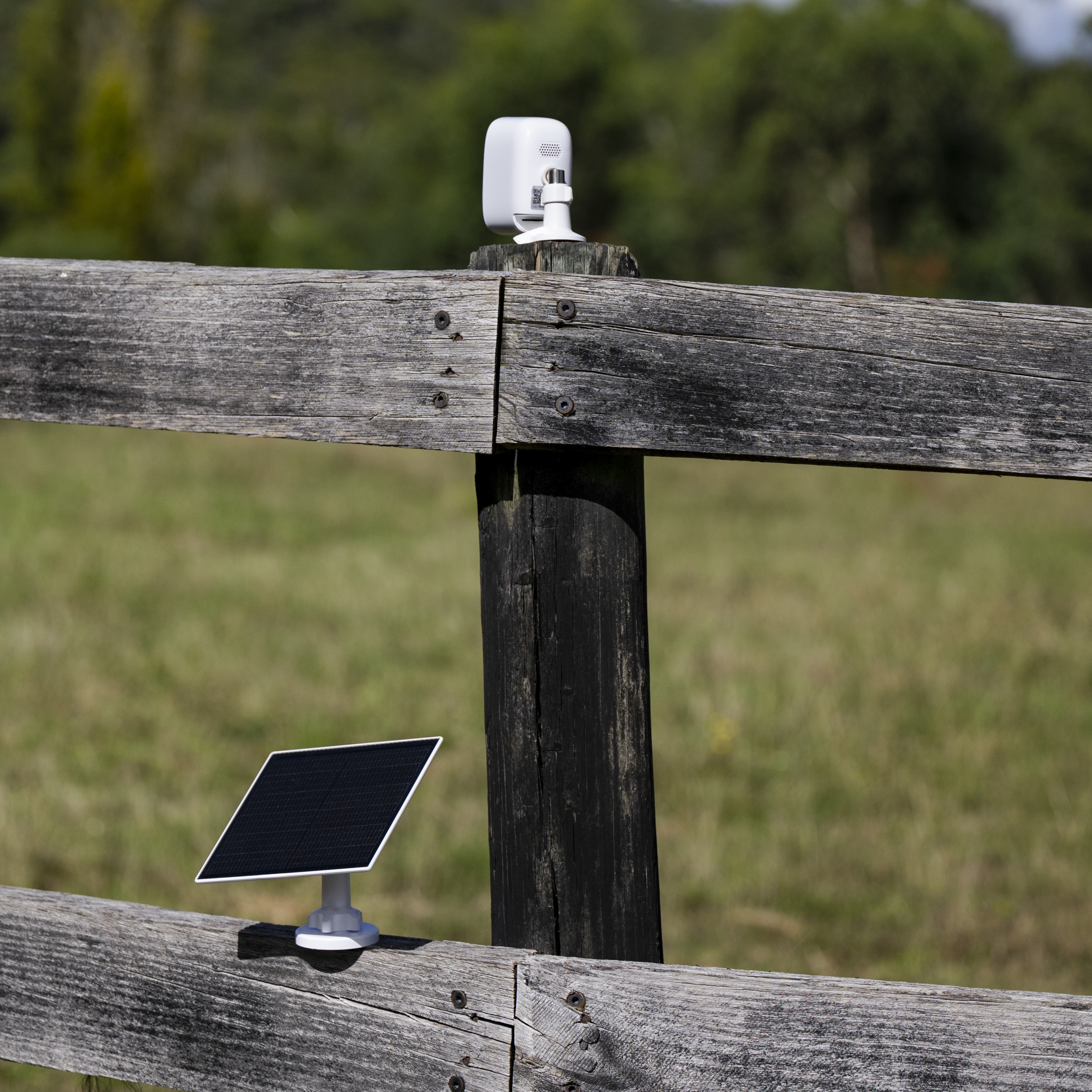
Solar powered or long life battery (35+ days)

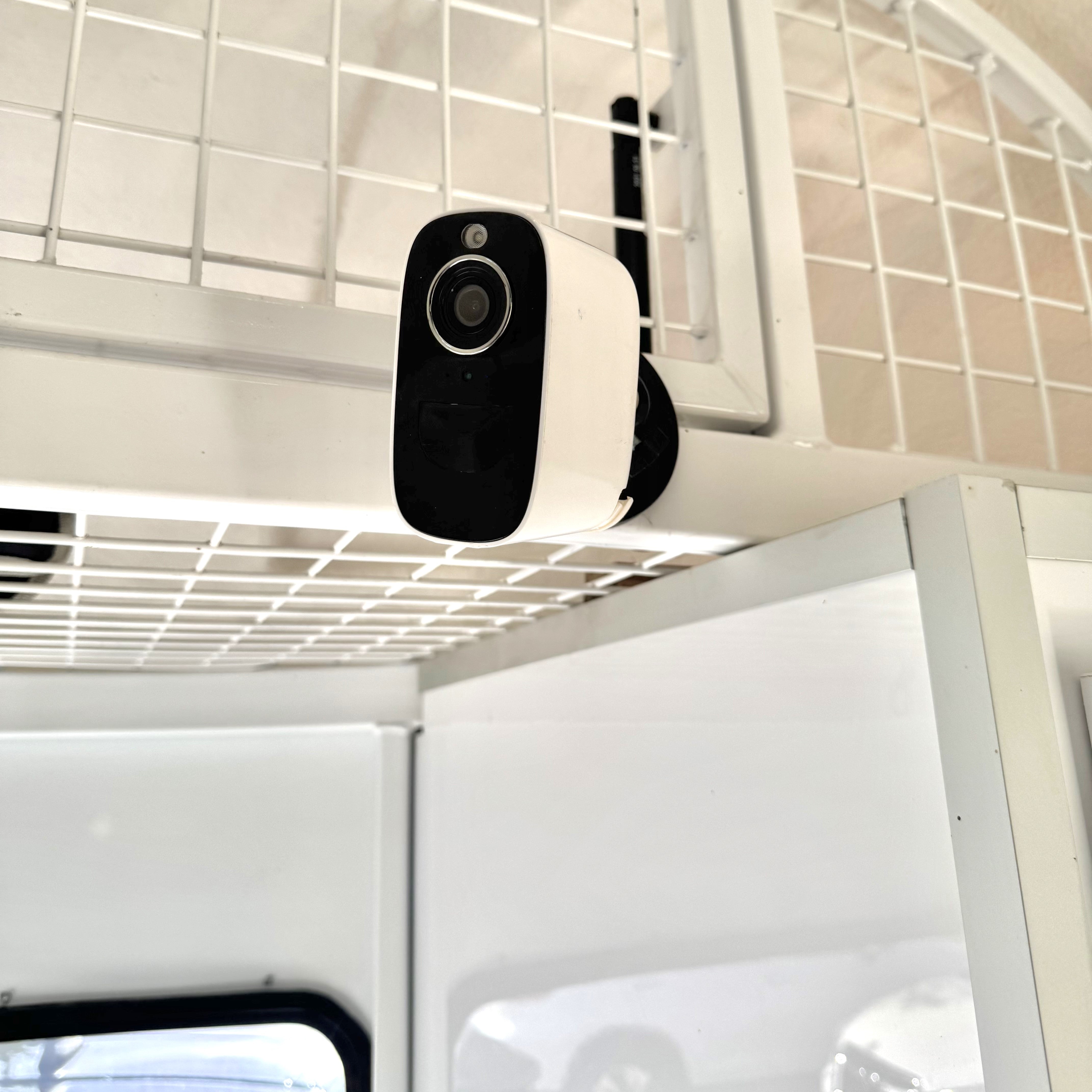
The only portable outdoor camera – use the same camera in the stable, trailer, or paddock

Spot colic, injuries and illnesses while you still have time to act
This wireless, off-grid 4G camera is designed to work in paddocks, stables & trailers where power and Wi-Fi aren't available. With no distance limitations, you can access the live video feed from anywhere, even while you're on holiday on the other side of the globe. Spot colic, injuries and illnesses while you still have time to act. The Vision camera is an investment in safety & peace of mind.
This camera is completely portable and a "one-stop-shop" camera that can do it all. Use it in the stable, trailer, or paddock to keep track of animals, sheds, and gates. This versatile camera is all you need to monitor both your animals and property with ease. Choose from a range of bundles.
Why the Equine Eye 4G Vision camera?
Concerned about ongoing costs?
The Equine Eye Vision camera runs off a free app, available in the Apple and Google Play stores. It does require a data SIM to connect the camera to a cellular data network (like your mobile phone), which then enables you to see the live video feed from your mobile, anywhere in the world. This means the camera has no distance restrictions. It does need a decent 4G or 5G signal in the location it is being used.
We provide a data SIM with the camera (though you can use any data SIM (IoT in USA)), and ongoing costs are as low as AUD $8.50 per month / US $16.50 per month. More info here.
Looking for a camera with no ongoing costs? Our Voyager camera is free to use with no ongoing costs, however works similarly to Bluetooth which means you need to be in close proximity to the camera to see the video feed, making it perfect for use in trailers. More info on the Voyager camera here.
If you're looking for a stable / paddock / trailer cam that can do it all, is portable and doesn't need power or WIFI or need wires then the Equine Eye Vision camera is the top choice.
Through the lens

What makes this camera the best on the market?
How does the camera connect?
The Vision camera is a 4G camera which is how it achieves global connectivity without WIFI. This means it takes a data SIM (a bit like your mobile phone). We don’t charge ongoing costs, but you will need a data SIM (of your choosing).
We send a free SIM with the camera from a company called EOIT club which comes with a week of free data which means you can use the camera as soon as it arrives. It’s up to you whether you keep using this SIM or get your own. EOIT taps into major carriers like Telstra & Optus in Australia, and Verizon, AT&T & T Mobile in the USA along with the equivalents in Europe, Canada and NZ with ongoing costs as low as AUD $8.50 or USD $16.50 per month.
Will I be able to see my horse from home and work?
Yes you can see your horse from anywhere, there are no distance restrictions. You will be able to see your horse from the other side of the world when you’re on holiday.
I don’t have much signal where I live, will it work?
Unfortunately the camera does need a strong 4G / 5G signal: 4-5 bars. It’s streaming video in real time which requires a stronger connection than simply making a phone call. If you don’t have decent signal, an off grid style camera isn’t going to work for you.
How far can I see from the camera?
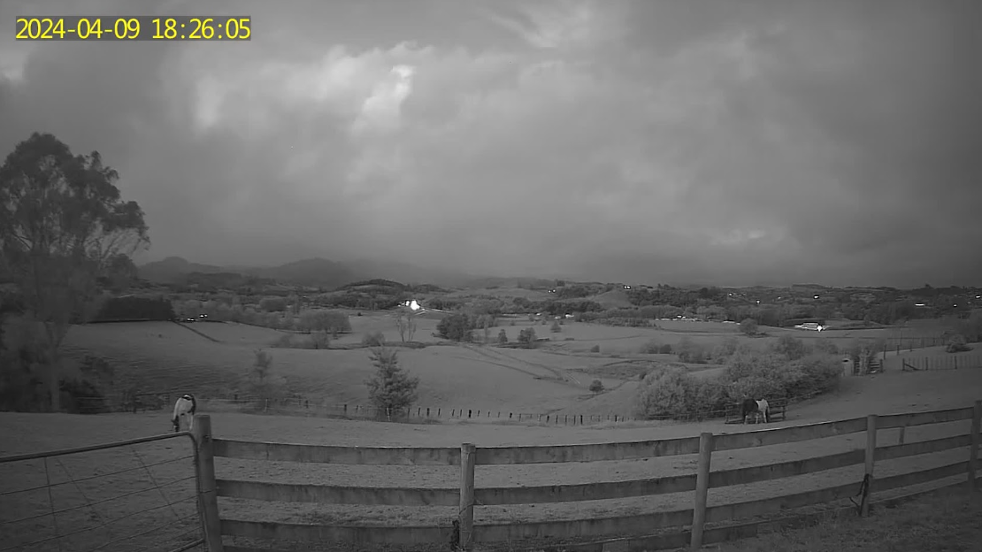
You’ll be able to see as far as the eye can see during the day. At night, the distance is around 20 metres on a dark night but if there is moonlight you may be able to see 100m or so.
How is it powered?
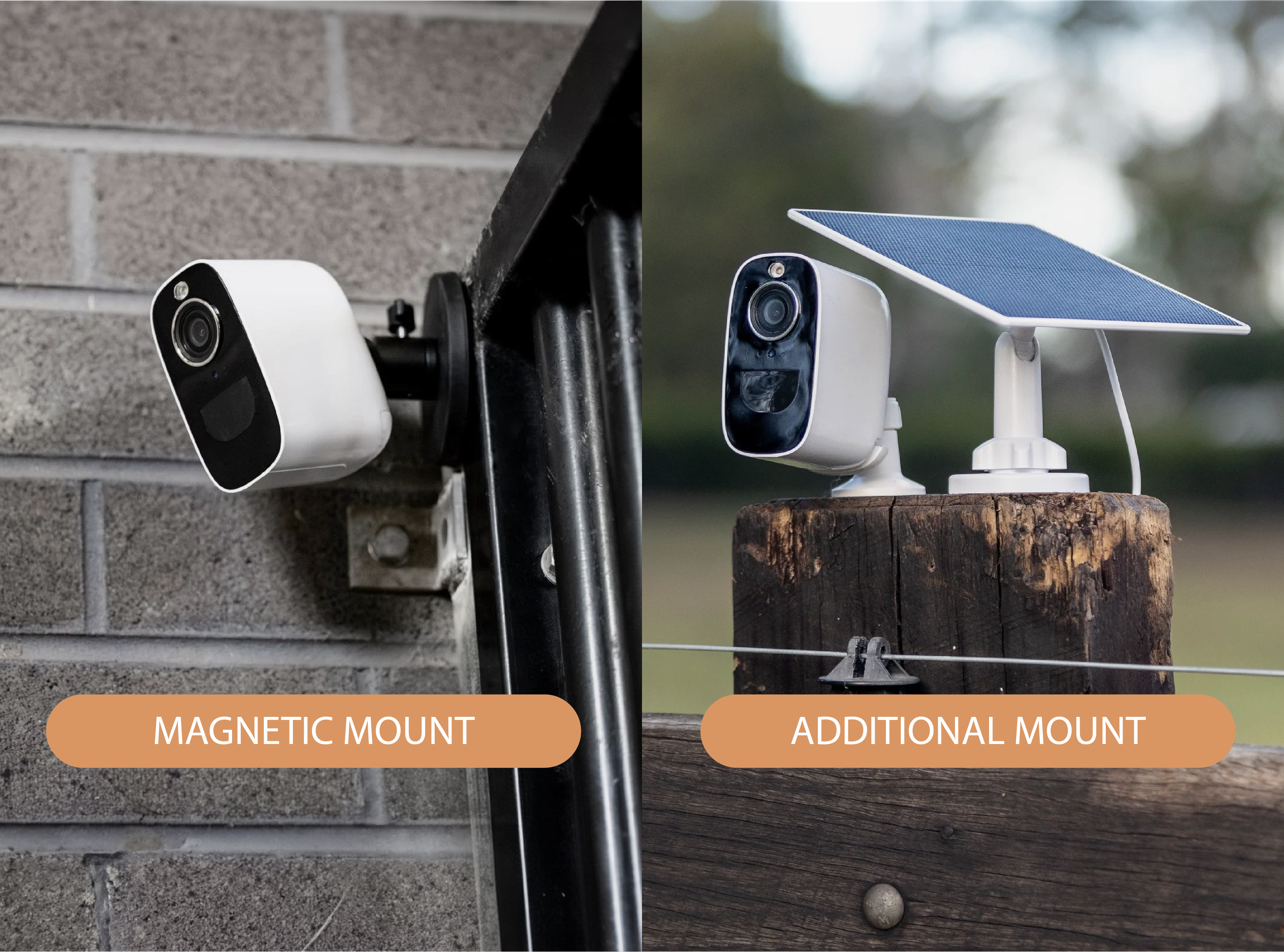
The camera has a built in rechargeable long life battery which lasts around 35 days with average use (checking your horses 2-3 times a day). We have an optional solar panel available which if used (sunlight dependent) may mean you never have to charge your camera.
I'm not sure if I should get this camera or save some money & get the Voyager?
There's pros & cons for each. The Vision camera has no distance restrictions (you can see the video feed from the other side of the world), & is a one-stop-shop portable camera that can be used in trailers, stables, paddocks & set up at shows. It can literally monitor anything, anywhere as it is portable. However it does need signal, and has a small ongoing cost with a 4G data SIM.
The Voyager has no ongoing costs, is the cheaper model & doesn't need signal. It does have limitations in how far the signal will travel & is only designed for trailer use.
Can I return it if it doesn't work in my location?
Yes. We are now offering a 14 day money back satisfaction guarantee. You can also upgrade to the Vision camera if you find the Voyager signal isn't strong enough for your trailer.
What's in the box?
Have a look at an unboxing reel from a happy customer here.
Everything you need to view your livestock and property anytime, from anywhere, with wireless connectivity and a solar power source & live video feed. It’s about peace of mind and improved safety.
Watch the video here.
Once installed and connected, the solar panel will provide power to the Equine Eye Vision camera. Please note that the amount of power generated will depend on the amount of sunlight exposure. However, if positioned in direct sunlight, the solar panel is likely to provide independent power to your camera - removing the need to recharge the battery at a power source.
The camera is suitable for both IOS and Android phones, with the custom app available in both the Google Play and Apple App Stores.
SIM card included for customers in USA, Canada, Australia, New Zealand, Europe and the UK. More information about SIM cards and data costs are here.
Camera comes with a 1 year warranty.
Please contact hello@equineeye.com if you require support with your Equine Eye camera. Equine Eye is subject to warranty replacements one year from purchase if faulty. A change of mind policy isn't applicable.
Sensor Type: 1/3" CMOS
Pixel: 4MP
Min illuminance: Color 0.01Lux@F1.2
Black and White 0.001Lux@F1.2
View Angle: 110°
Shutter: 1/25~1/100,000 per second
IR: 1/25~1/100,000 per second
WDR: Digtal WDR
Video compression standard: H.265
Video compression standard: 32Kbps~2Mbps
Max picture size: 2560 X 1440
Frame rate: 15 per second
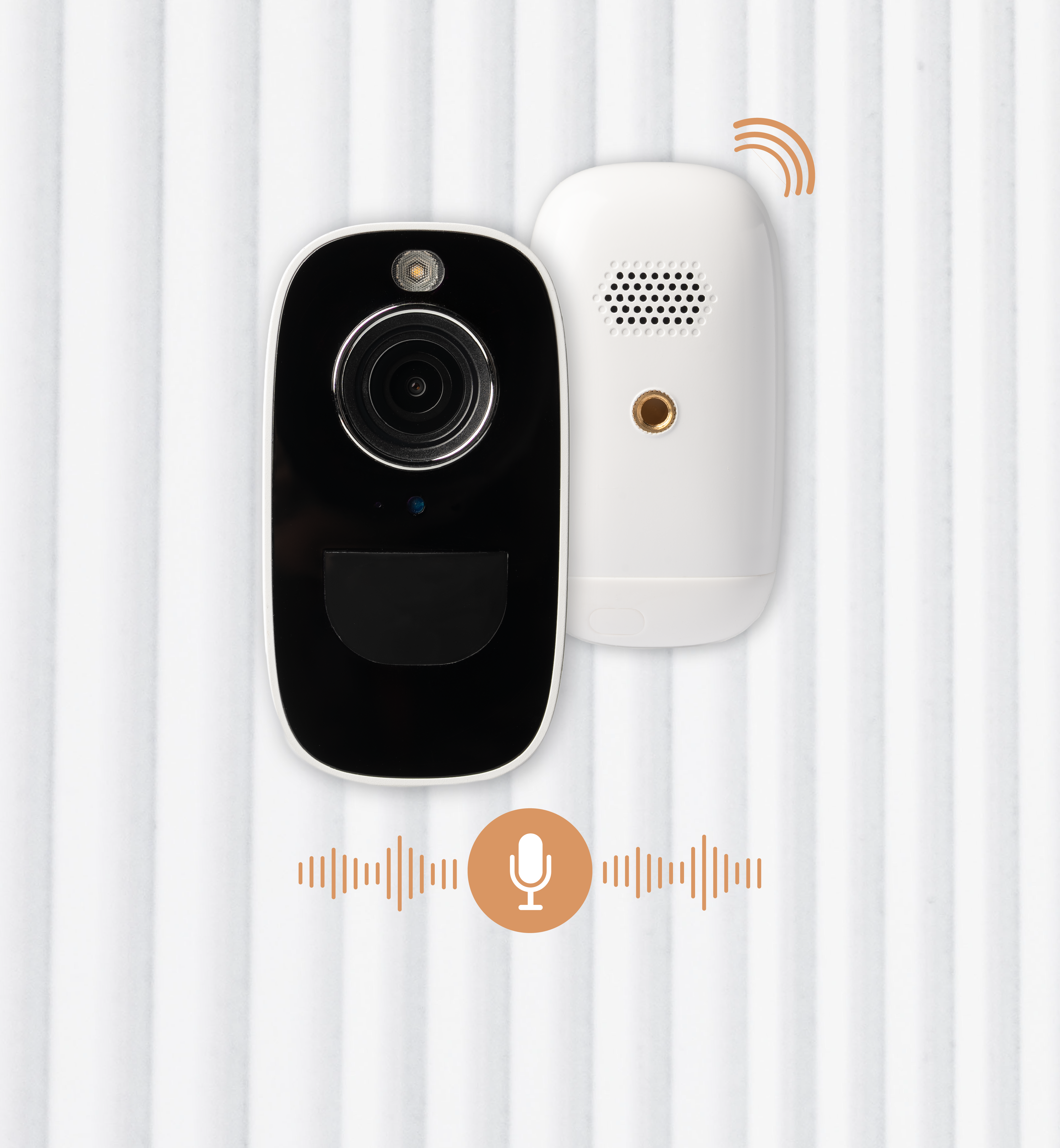
Audio: Full duplex audio (Two-way Audio)
Storage: Support SD card (Max. 128G)、Cloud storage
Image setting: Support HD/SD; support flip
Communication protocol: TCP/IP,HTTP,DHCP,DNS
Wifi: IEEE802.11b/g/n
Motion detect: Support PIR motion detect (120°)
Standy time: 3 months
Working time: 5 months(10 times wake up per day)
Stand-by current: 200uA
Working current: 200-360mA
Battery capacity: 10400mAh
The 4G Vision camera requires a data SIM card to operate which is provided for customers in Australia, NZ, the USA, Canada, the UK and Europe.
Low monthly cost. Charges are as low as AUD $8.50 per month / US $16.50 per month.
More information on the SIM provided with the camera and data costs are available here.
You are not obligated to use the SIM card provided, and the camera works well with SIM cards from all major networks & pre-paid data SIM cards are affordable and widely available.
Note: If you are in the USA or Canada, security cameras require IoT sim cards (provided with this camera).
Working temperature: -20℃~50℃
Humidity: less than 90% (without condensation)
Water proof: IP65
Camera Size: 100*80*54mm
Packaging size: 187*110*77mm
Net weight: 0.34kg/pce
Please read our FAQs page to find out more.
Absolutely! We have a step-by-step set up video available here.
If after watching this guide you are still having set up challenges, please check our issue specific FAQs or contact us at hello@equine-eye.com so we can help.
One of the most common reasons for issues setting up the camera, is people have not activated the SIM card or that data isn't available on the SIM. To be sure the SIM is working, please pop it in your phone and run a test search on a web browser to be sure that the SIM is functioning and that data is available.
Knowing that the SIM is working, please make sure it has been inserted into the camera correctly. It needs to be inserted into the camera entirely - there should be no tail of the SIM card poking out of the SIM card slot. It goes into the camera with the chip facing down and the cut out corner on the left hand side. Please insert the SIM until it clicks into place completely inside the camera. A video showing how to properly insert the SIM can be seen here.
Once an active SIM is properly inserted, the camera light will change from flashing red & blue (which indicates no active data connection) to a solid blue light which indicates the camera is connected to a data network.
If an active SIM is not operating in the camera, please be sure you have a 4G/5G signal available in the location that you're using the camera.
Data use is entirely dependent on how often you access the live feed via the app, whether you have motion alerts and cloud recordings set up and whether you are viewing in high definition (HD) or standard definition (SD). For HD viewing the camera will use approximately 1-2mb for every minute of viewing. SD viewing will use 0.5-1 MB per minute. To reduce data usage, it is suggested you check your settings and make some custom changes.
Recommended data allocation:
If you check on your horses 1-2 times a day for a few mins -
50mb per day. (1.5GB per month)
If you check on your horses around 6 times a day and like to watch them for a while -
150mb per day. (4.5GB per month)
If you plan to be glued to your camera and live stream like an equine baby monitor -
1GB per day. (30GB per month)
Customers in the US, Australia, Canada, New Zealand, Europe and the UK are sent a free SIM card with their camera with a week of free data. More information about this SIM card and recharge costs are available here.
What are SIM card / data costs?
The Vision camera operates via a data SIM. Customers in Australia, the USA, Canada, NZ , Europe and the UK are sent a SIM with a week of free data with their camera.
There is no obligation to continue to use this SIM, and recharge costs and further info on this SIM is available here.
The camera will automatically connect to the 4G network if an active SIM card is being used. If you are not able to connect the camera to a network, it’s likely that there is an issue with your SIM card. Ensure the SIM card has valid data available - this can be checked by testing the SIM in a mobile phone.
Yes, from the camera settings select ‘PIR’ (passive infrared sensor), which will enable you to adjust the motion sensitivity.
From the live view screen HD or SD will be displayed. Ensure HD is selected for best picture quality. (HD streaming will use more data than SD).
Ensure the recording setting is enabled in the app. If the issue persists, it could be a problem with the SIM card or a phone memory issue (if your phone storage is low).
Check that the camera is charged and turned on via the power button. When the camera is turned on there will be a blue light on the front of the unit. If the camera is charged, and no blue light is showing, please contact tech support.
This is probably due to the motion sensor triggering. Sensitivity can be adjusted in the settings. Also check if the camera is triggering due to branches or other nuisance movements. If you are using the solar panel, ensure this is placed in an area that receives good direct sunlight to charge the battery.
Motion detection is activated from ‘PIR’ (passive infrared sensor) within the main app settings. If you would like to set up recordings, you need to enable access to the Cloud server from within the settings.
With an SD card inserted into the camera, you can save your recordings for free directly in the app. The app has a calendar feature, allowing you to playback past recordings.
In addition, the app gives you access to a Cloud server for storage of the vision if preferred, however the cloud storage service does incur a fee while recording to an SD card is free of charge.
You can also record free-of-charge, by recording in real time manually from your phone when the motion detection alert is triggered.
You can check the remaining battery power in the live view screen within the app. By default, you will get a notification when battery power drops to 10%. At the point you should charge the unit or connect a solar panel.
Ensure the camera is properly connected to the 4G network, and check your mobile device has a stable internet connection. If the issue persists, try restarting your camera.
Yes, you can access the camera feed from any device where the mobile app is installed and you're logged in with the same account.
Yes. Though while the camera is designed for outdoor use and can withstand normal weather conditions, it's best to avoid exposing it to extreme weather where possible.
Equine Eye at Home has been tested to operate from -10 to +50 degrees Celsius.
Select 'Forgot password' on the app login screen and follow the instructions to reset your password via your registered email.
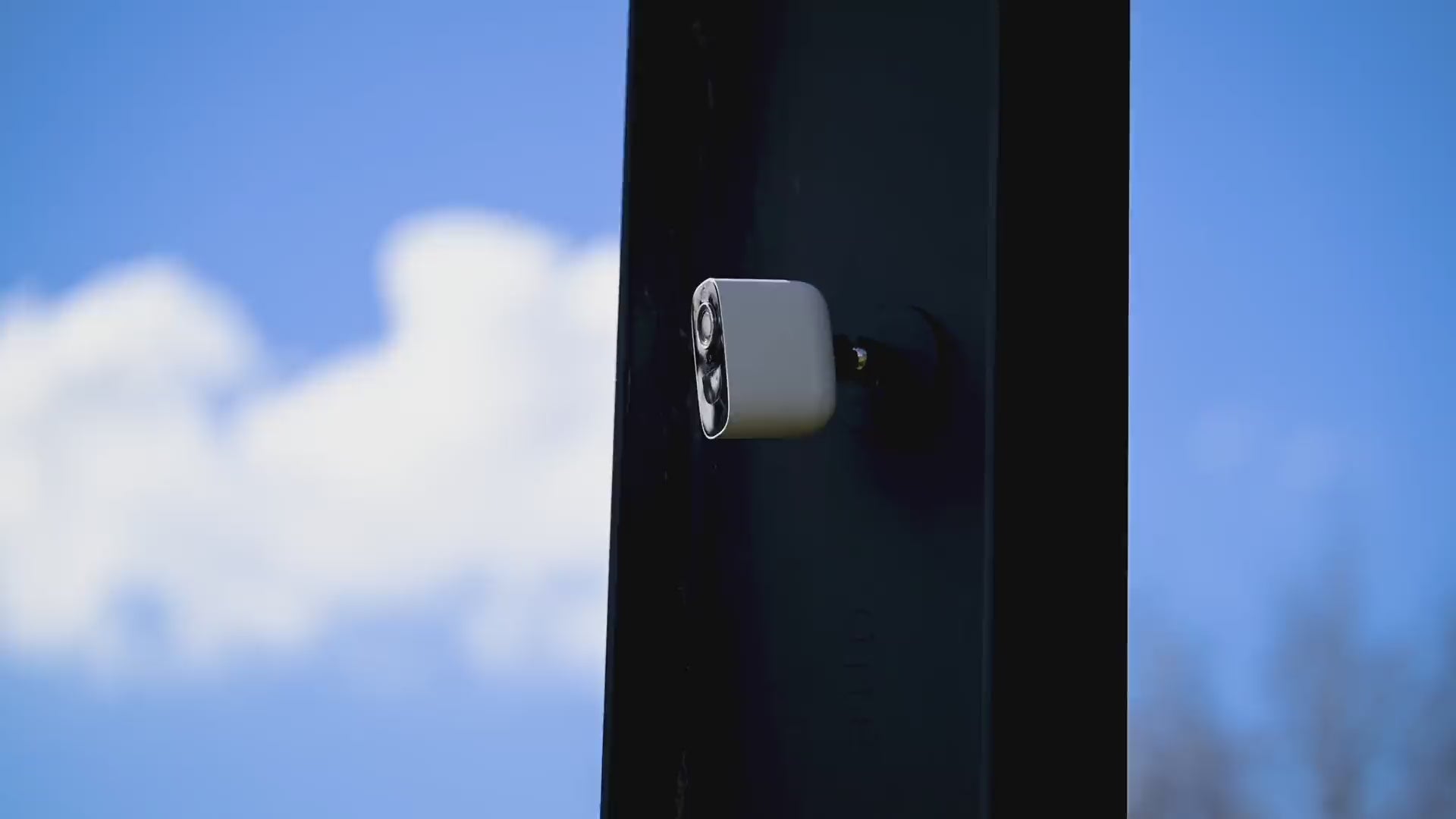
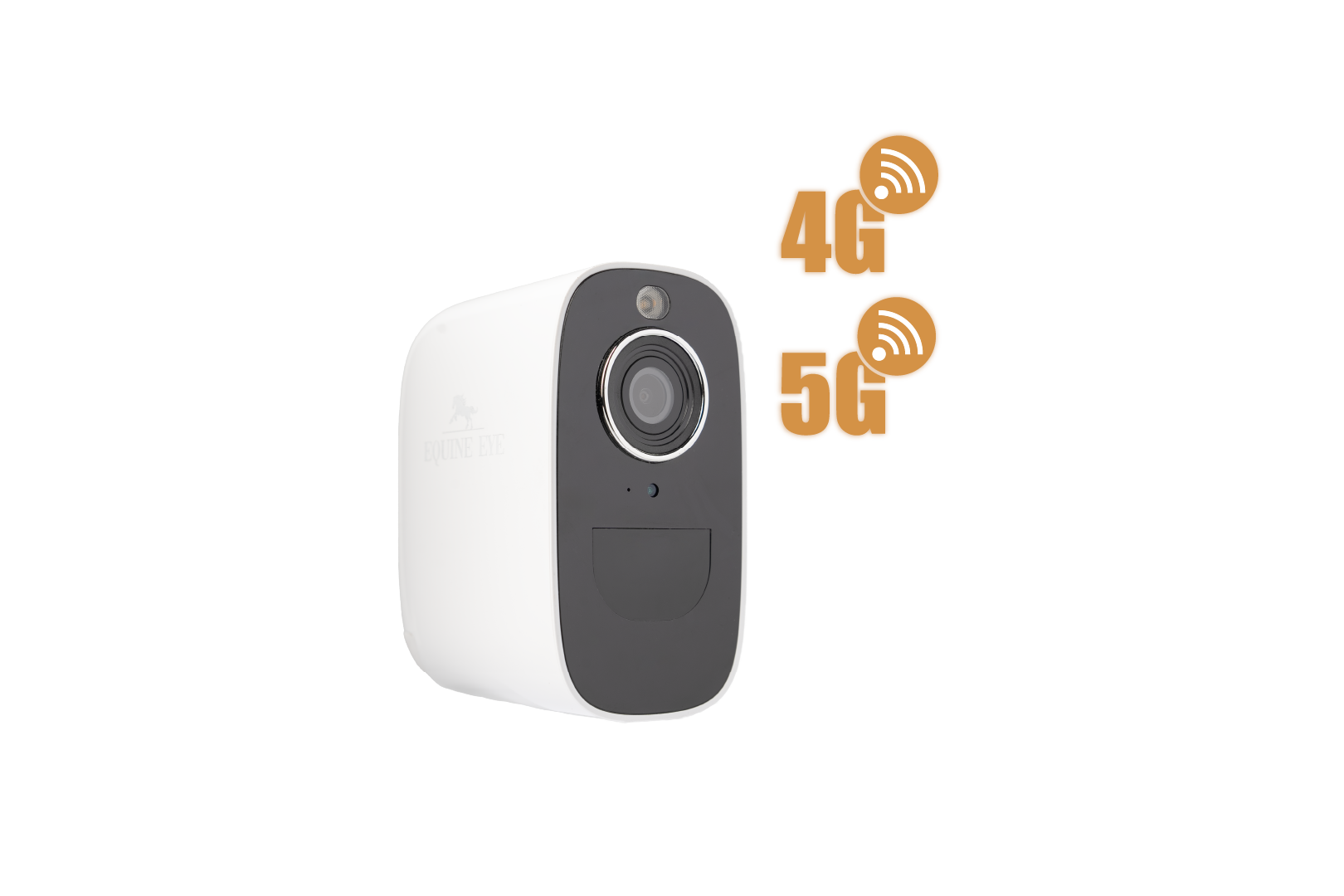
No power or WIFI? No worries. Stay connected to your horse from remote pastures to moving trailers. With 4G/5G compatibility*, you're never without eyes on your horse.

The weatherproof Vision camera keeps a watchful eye on your horse in any weather, giving you peace of mind come rain or shine.

Live video to your phone, with no distance restrictions. From home to the office, to overseas holidays you can see your horse live anytime.
Why Equine Eye Vision?
Overall rating: 4.724138 / 5 from 29 reviews.
Review topics: [].
"I really love my Equine Eye Vision Camara! It was SO easy to install (and I'm not good with technology) and my favorit part is that I can move it around! From foaling barn, to horse shows, and even to the paddock!"
"It's still early days, but I'm enjoying using these so far. The set up was a bit frustrating, requiring many attempts to add it to the app, but I got there eventually. The picture is pretty clear. It's great to be able to check the animals from anywhere."
"Amazing product, clear camera quality and super durable! It’s been a incredible product to have in my paddocks and in my float while traveling"
"Bought this after looking at it for long time. My horses are on someone else’s property so it’s great to have eyes on the horses. We visit daily but we get to check in several times a day to bring me peace of mind after we lost a horse to a broken leg ( prior to getting this). Just wished I’d had it then n could have got to him sooner. Zero regrets buying this . . so highly recommend"
"The equine eye has been a game changer! I have my horse at stables and having a horse who gets ulcers i can keep an eye on him when im at home or unable to get down their."
"I have tried several different types of wireless trainer cameras with much fail. Unlike other cameras, the Equine eye rarely loses connection when traveling, it’s easy to set up, and the app is on my phone (so no extra device needed!) I purchase the sim card for service monthly as needed. You can find plans that are relatively inexpensive. To me, not to have to hassle with bluetooth/wireless connection, is worth the fees for service. This also allows me to see the camera from anywhere! I love the camera so much we now have two! One camera in the trailer and one camera in our barn. The camera works great, it is easy to set up, and the camera feed is very clear."
"Great website easy to use and prompt service"
"Yes best thing I brought for peace of mind and to keep an eye on my horses"
"I have 6 of these equine cameras and they are absolutely amazing!!!!!"
"Love this camera and wouldn't be without it now. I have a horse on stall rest, and have been worried about her coping locked up all day. It's real peace of mind to be able to check in on her whenever i'm thinking about her. I also used it in the trailer on the way home from the vet clinic, and it didn't miss a beat!"
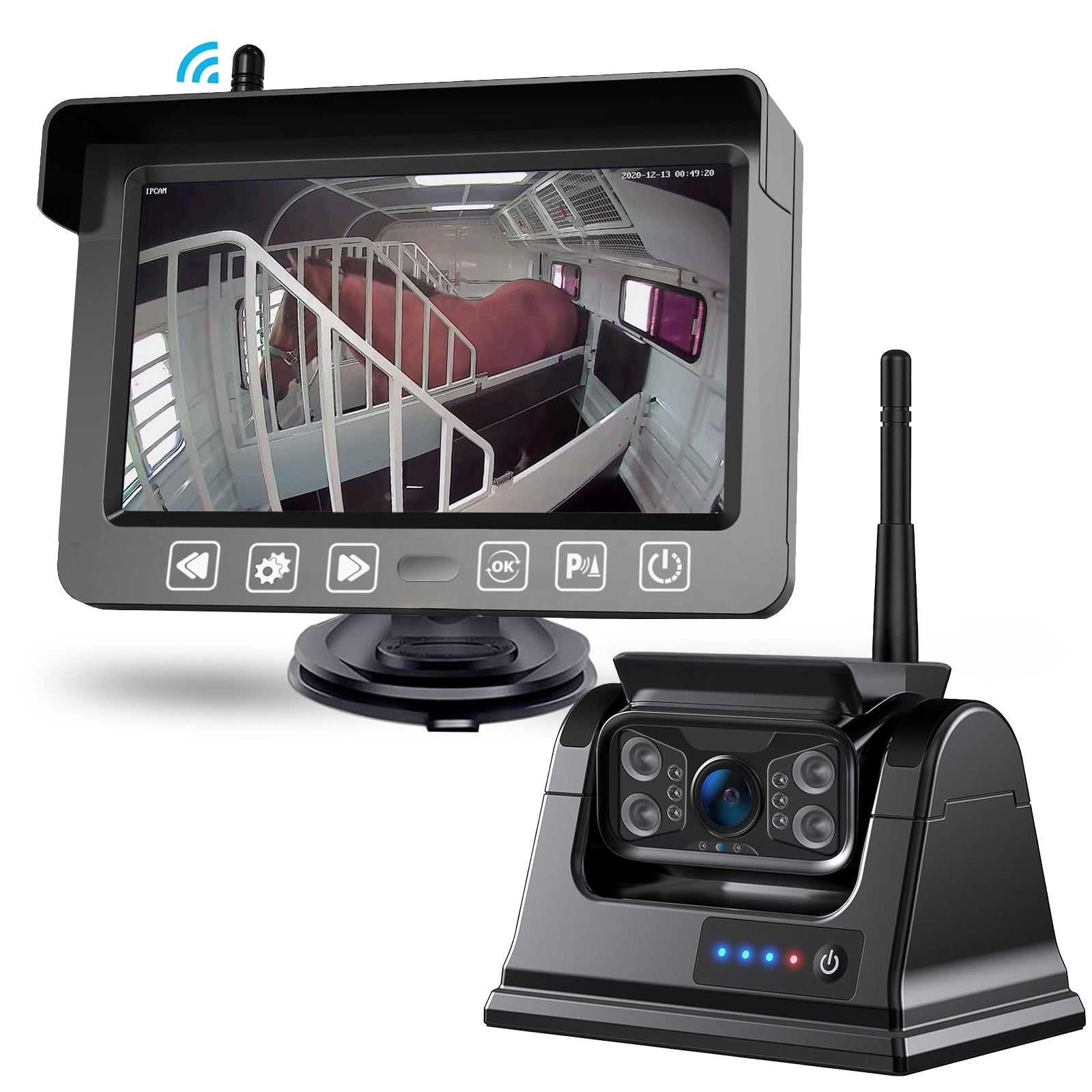
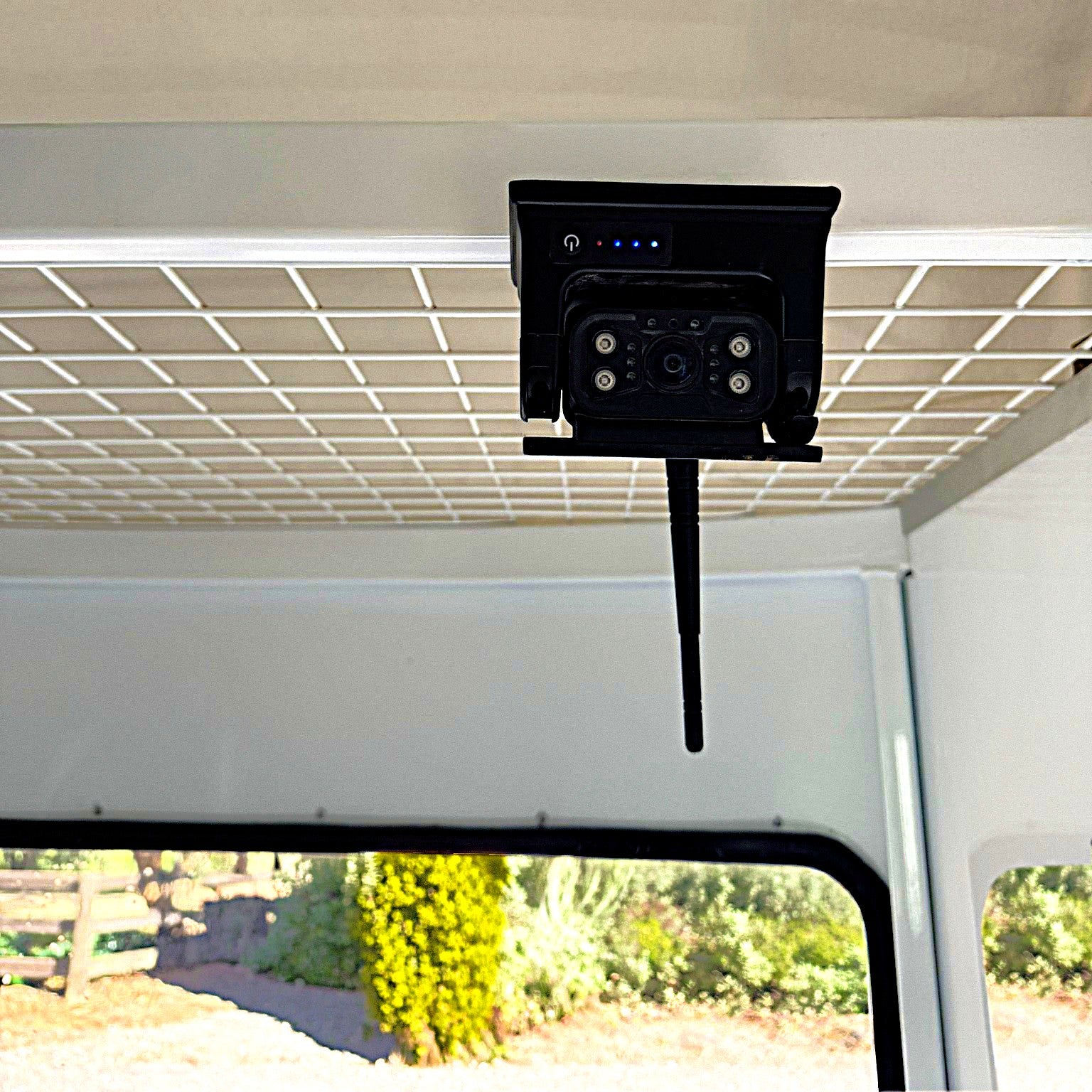
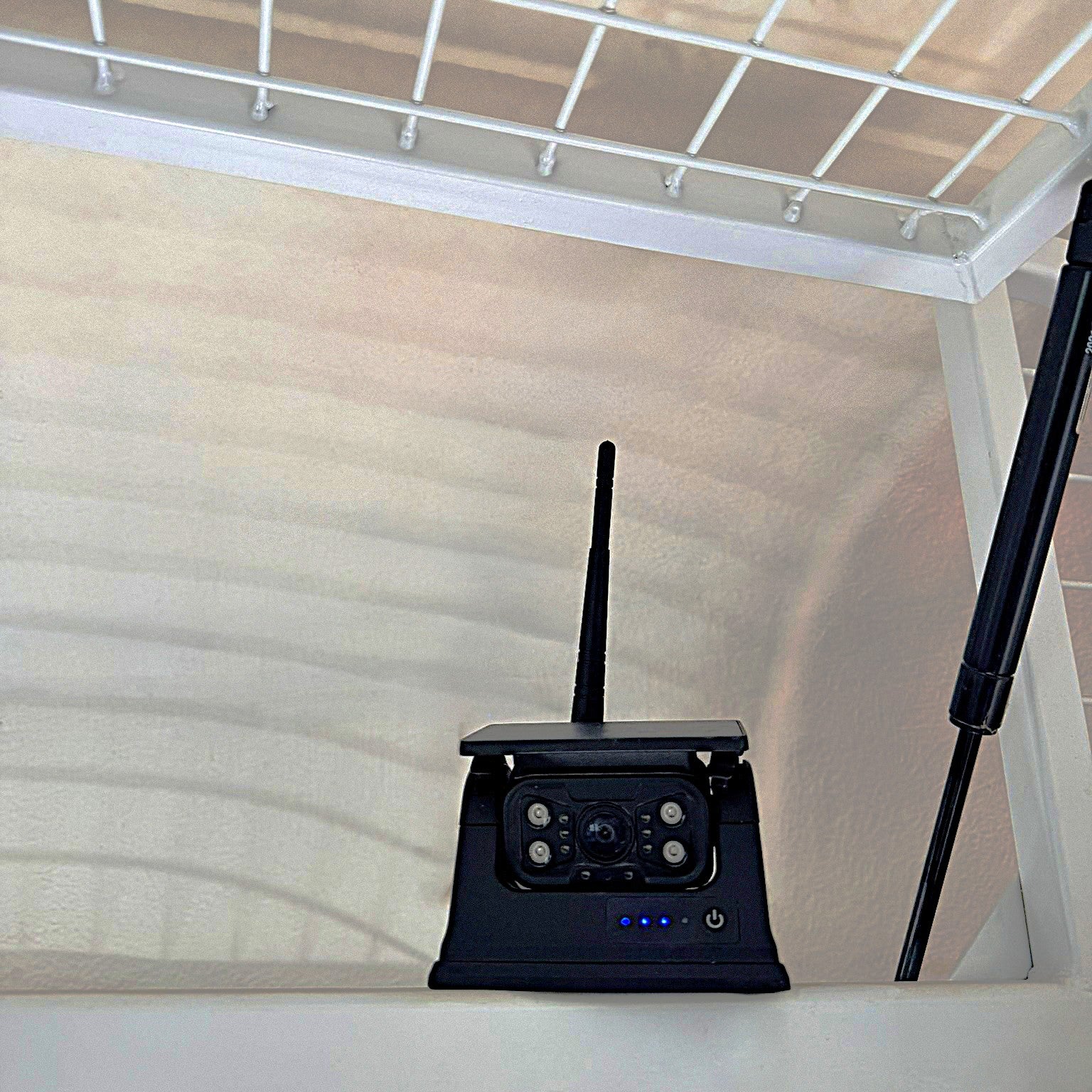
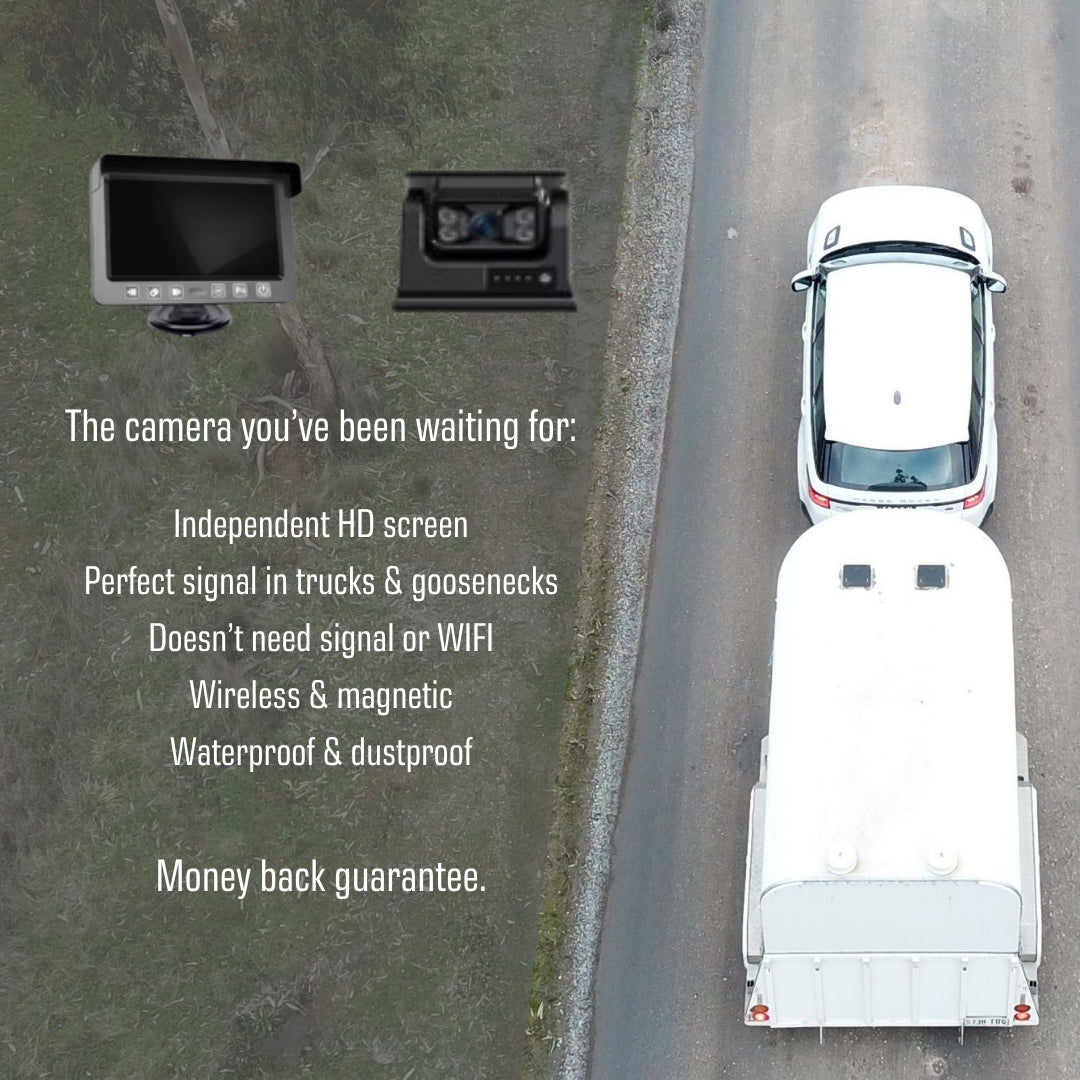
Wireless vision of your horse with a HD screen that works in trailers, trucks and goosenecks, via the new Equine Eye Venture trailer camera.
Forget hardwiring and drilling we bring you a wireless camera that delivers crystal clear video through towing vehicles of up to 40m (and 100m without obstructions).
The independent screen means no need to livestream to your phone, giving you full use of Apple Car Play, Google Maps and phone functionality. The screen suction adheres to your windscreen with the mount, powered by the 12v outlet in your car.
The camera itself is wireless (rechargeable with 8 hours of battery life) and has an incredibly strong magnetic mount. Bumpy, rough roads are no problem for this camera and you can easily reposition as a reversing camera.
As the camera and screen connect wirelessly to one another, there is no need for phone signal or data. This camera will operate in remote areas seamlessly.
The camera can be turned on to standby mode from the screen which means you can conserve battery life and minimise the amount you need to take it down from your trailer or truck and recharge it.
The quality of vision of this camera, and connectivity through horse truck infrastructure, is impressive. We are so confident in the capability of this camera that we offer a money back guarantee.
This camera is water and dust resistant with the highest rating (IP69). It has been temperature tested to -20 Celsius / -4 Fahrenheit to +70 Celsius / 158 Fahrenheit.
The picture quality and connectivity of this camera is second to none. It works brilliantly in large trucks and trailers with living quarters. You will be hard pressed to find another wireless trailer camera that transmits such a high quality image so seamlessly.
We now offer a money back satisfaction guarantee within two weeks of receiving your product for Equine Eye cameras.